
The AI assistant inside every environment
The agentic AI assistant pre-installed in every StoreFrame environment.
Claude Code is an agentic AI assistant — it doesn't just chat about code, it reads files, runs commands, edits source, runs migrations, and proposes pull requests. On StoreFrame it's pre-installed inside every environment's VM, ready the moment your environment goes Active.
Three surfaces
| Where | What |
|---|---|
| Inside the VM | Claude Code is installed at /usr/local/bin/claude. Anyone with SSH access can run it directly. |
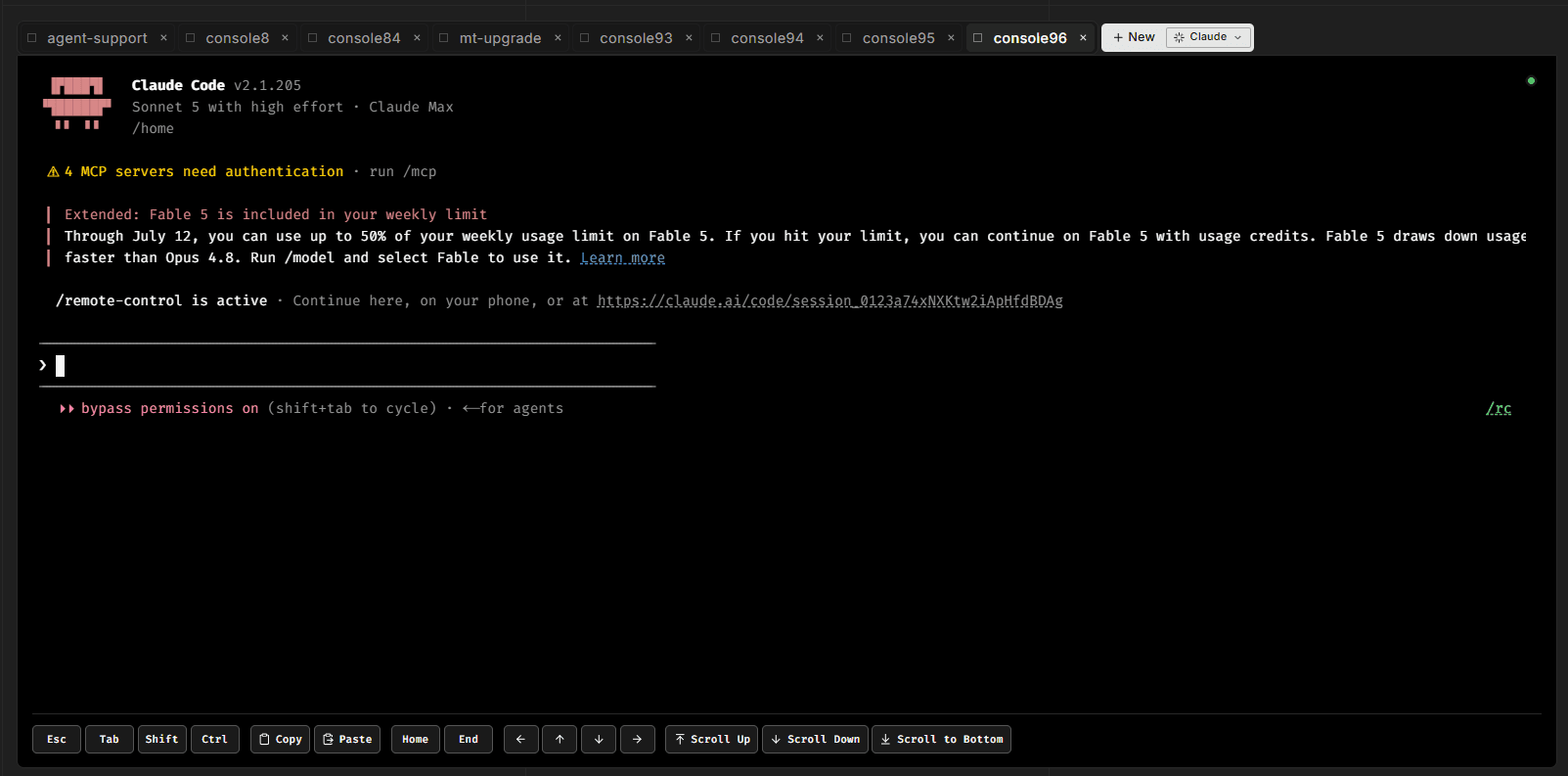
| Console tab in the Hub | A multi-tab tmux-backed terminal that runs in your browser. Each tab can be a Claude or a plain Bash session. |
| /remote-control | A Claude Code slash command that registers the session for cross-device access. A session you started on your laptop shows up on your phone. |
What it knows
Claude Code on StoreFrame is pre-loaded with context about the platform:
- Magento internals (cache modes, indexer strategies, queue semantics, EAV model)
- The containerized stack (FrankenPHP, MariaDB, OpenSearch, Redis, RabbitMQ, Varnish, CrowdSec)
- StoreFrame conventions (where logs live, how the environment file works, how to trigger reindex)
- Your specific environment (database name, file paths, container names)
You don't need to explain "where does Magento store sessions" — Claude already knows.
Bring your own subscription
Claude Code uses your Anthropic account. You authenticate once on the VM and your credentials persist for the session. StoreFrame does not re-sell Claude access — you pay Anthropic directly at whatever tier you choose.
Start here
- Inside the VM — what Claude Code does once it's running
- Terminal sessions — multi-tab terminal mechanics
- Generic Commands — built-in slash commands, including /remote-control
- Approval gates — the skip-permissions default and when to opt out
- Tips — patterns for productive Claude work