
File a ticket
How to reach the support team, what to include in your request, and what to expect after you submit.
When the docs and the Troubleshooting guide don't resolve your issue, file a support ticket. The faster you give the support team accurate context, the faster they can diagnose and respond.

Channels
In-app chat (recommended for active issues)
The Hub includes a support chat widget in the bottom-right corner of the screen. It is available to all org members. Use this for issues that need a back-and-forth, or when you want to share what you are seeing in real time.
The chat connects you directly to the support team. Conversations are tracked alongside email requests — nothing falls through separately.
Send to support@storeframe.io for any support request. Email is suited for:
- Issues where you need to attach logs or screenshots
- Non-urgent questions where async communication is fine
- Requests that need a written record (billing questions, SLA escalation)
Every email gets a ticket reference. Reply to that reference to keep the conversation threaded.
WhatsApp (SLA tier only)
If you are on the paid SLA tier, you also have direct WhatsApp access to the support team for incidents and time-sensitive triage. Conversation history from WhatsApp is tracked alongside email. Contact us at engagement start to get the number.
What to include
A good ticket includes enough context for the support team to reproduce or diagnose the issue without needing to ask for the basics. Before you submit, check that you have included:
| Field | Why it matters |
|---|---|
| Organization slug | Scopes the issue to your account immediately — visible in your Hub URL (/organizations/[slug]) |
| Environment ID | The UUID from the environment URL in Hub — lets us pull logs and provision history for that specific environment |
| Time the issue started | Narrows the log window. Include timezone if it is not CET. |
| What you were doing | Describe the action that triggered the problem — provisioning, resizing, changing a domain, etc. |
| What you expected vs. what happened | A one-sentence contrast is enough |
| What you already tried | Saves the team from suggesting steps you already took |
| Logs or screenshots | Attach anything from the Hub console or Logs tab that shows the error. Partial logs are better than none. |
The more of these you include upfront, the fewer back-and-forth messages you will need before reaching a resolution.
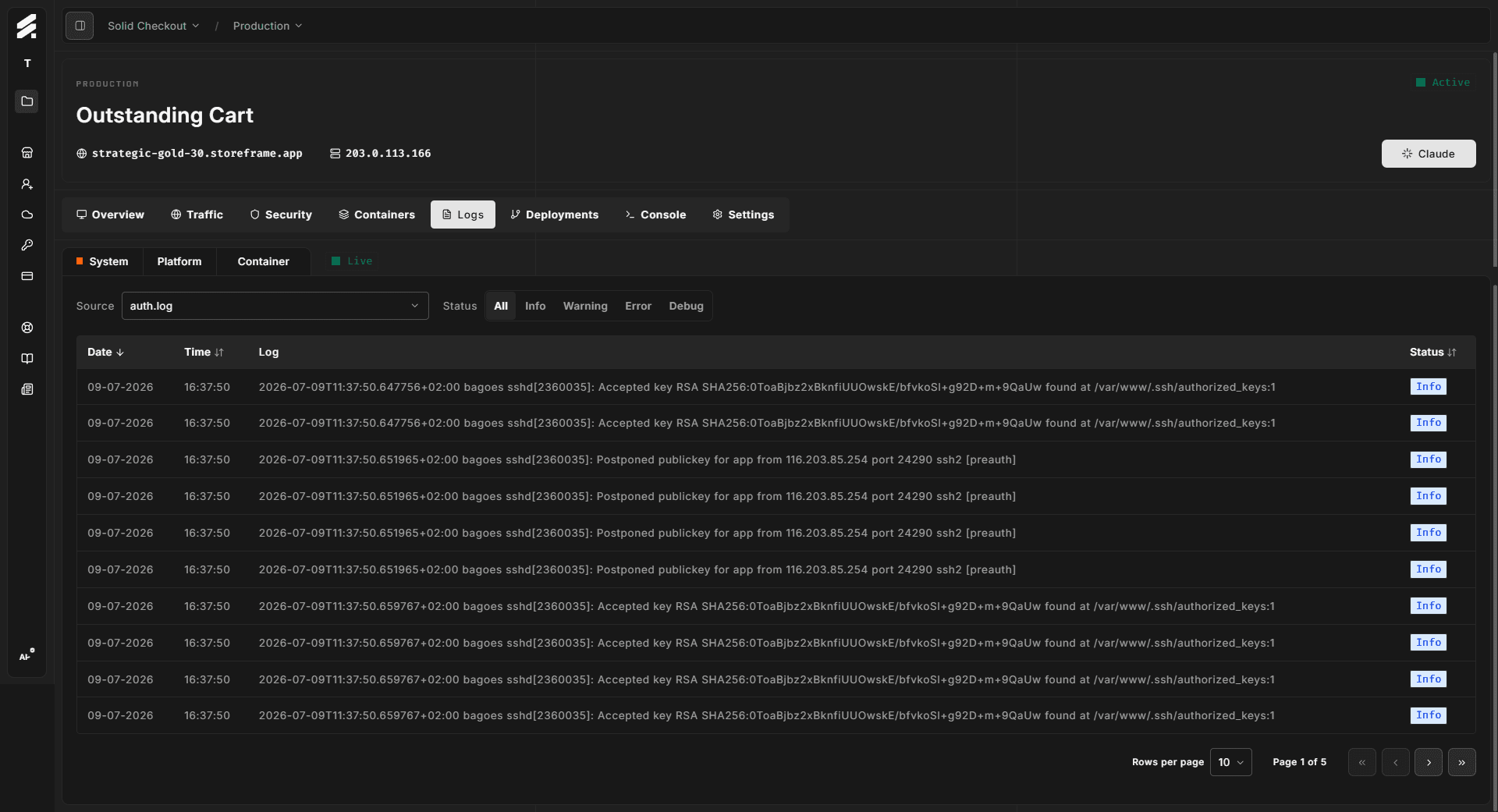
Finding your environment ID
The environment ID is the UUID in the URL when you are viewing an environment in Hub:
/organizations/[slug]/projects/[project-id]/environment/[environment-id]Copy the last segment. It looks like 3b1e4c72-.... You can also find it on the Environment overview tab under Settings.
What happens after you submit
-
Acknowledgment — You receive a ticket reference by email (or see confirmation in chat). Response times depend on your tier — see Tiers and SLA.
-
Triage — An engineer reviews the ticket, pulls relevant logs and metrics for your environment, and either resolves it or requests more information. On the SLA tier, the same engineer stays with the ticket through resolution.
-
Resolution or escalation — Most platform issues are resolved directly. If the issue requires infrastructure changes or involves an ongoing incident, you receive a status update and an estimated timeline.
-
Closure — The ticket is closed when the issue is confirmed resolved. You can reply to reopen it if the problem recurs.
Filing a ticket during an incident
If you are filing a ticket because something seems widely broken — provisioning is failing for everyone, or Hub is unreachable — check the status page first. If an incident is already in progress, your ticket is linked to it and you receive updates automatically. You do not need to file separately to get notified.
Response-time expectations
Response times are governed by your plan:
- Standard (bundled): No contractual target. We aim for one business day, but this is a best-effort commitment during business hours (Monday–Friday, 09:00–18:00 CET).
- SLA tier: Binding targets by severity — Urgent within 1 business hour, High within 4 business hours, Medium next business day. See Tiers and SLA for full details.
If your issue is urgent and you are on the standard tier, note "URGENT" at the start of your subject line or opening message. We will prioritize accordingly within our capacity.