
Troubleshooting common issues
Self-serve answers for the most common StoreFrame issues — start here before filing a ticket.
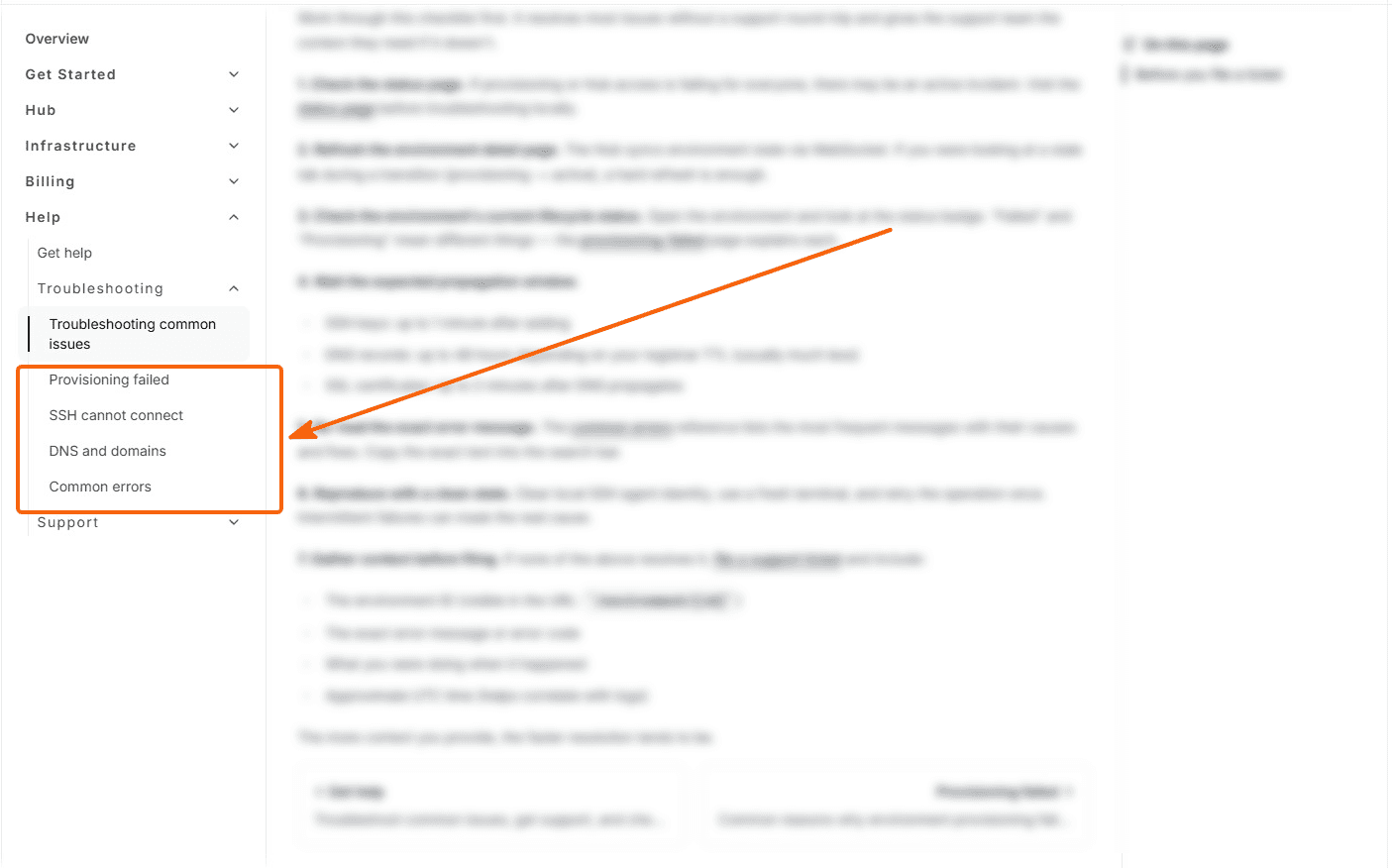
Hit something that didn't work? Start here. Most issues fall into one of four buckets:
| Issue | Go to |
|---|---|
| Environment is stuck in "Provisioning failed" or "Failed" | Provisioning failed |
| Cannot connect via SSH | SSH cannot connect |
| Visitors or integrations get 403, 429 or a browser check page | Blocked, challenged or rate limited |
| Custom domain not resolving, or SSL certificate pending | DNS and domains |
| You saw an error message and want to know what it means | Common errors |
Before you file a ticket
Work through this checklist first. It resolves most issues without a support round-trip and gives the support team the context they need if it doesn't.
1. Check the status page. If provisioning or Hub access is failing for everyone, there may be an active incident. Visit the status page before troubleshooting locally.
2. Refresh the environment detail page. The Hub syncs environment state via WebSocket. If you were looking at a stale tab during a transition (provisioning → active), a hard refresh is enough.
3. Check the environment's current lifecycle status. Open the environment and look at the status badge. "Failed" and "Provisioning" mean different things — the provisioning-failed page explains each.
4. Wait the expected propagation window.
- SSH keys: up to 1 minute after adding
- DNS records: up to 48 hours depending on your registrar TTL (usually much less)
- SSL certificates: up to 2 minutes after DNS propagates
5. Re-read the exact error message. The common errors reference lists the most frequent messages with their causes and fixes. Copy the exact text into the search bar.
6. Reproduce with a clean state. Clear local SSH agent identity, use a fresh terminal, and retry the operation once. Intermittent failures can mask the real cause.
7. Gather context before filing. If none of the above resolves it, file a support ticket and include:
- The environment ID (visible in the URL:
/environment/[id]) - The exact error message or error code
- What you were doing when it happened
- Approximate UTC time (helps correlate with logs)
The more context you provide, the faster resolution tends to be.