
DNS and domains
Troubleshoot DNS propagation delays, incorrect record types, SSL certificate issuance, and CAA record conflicts.
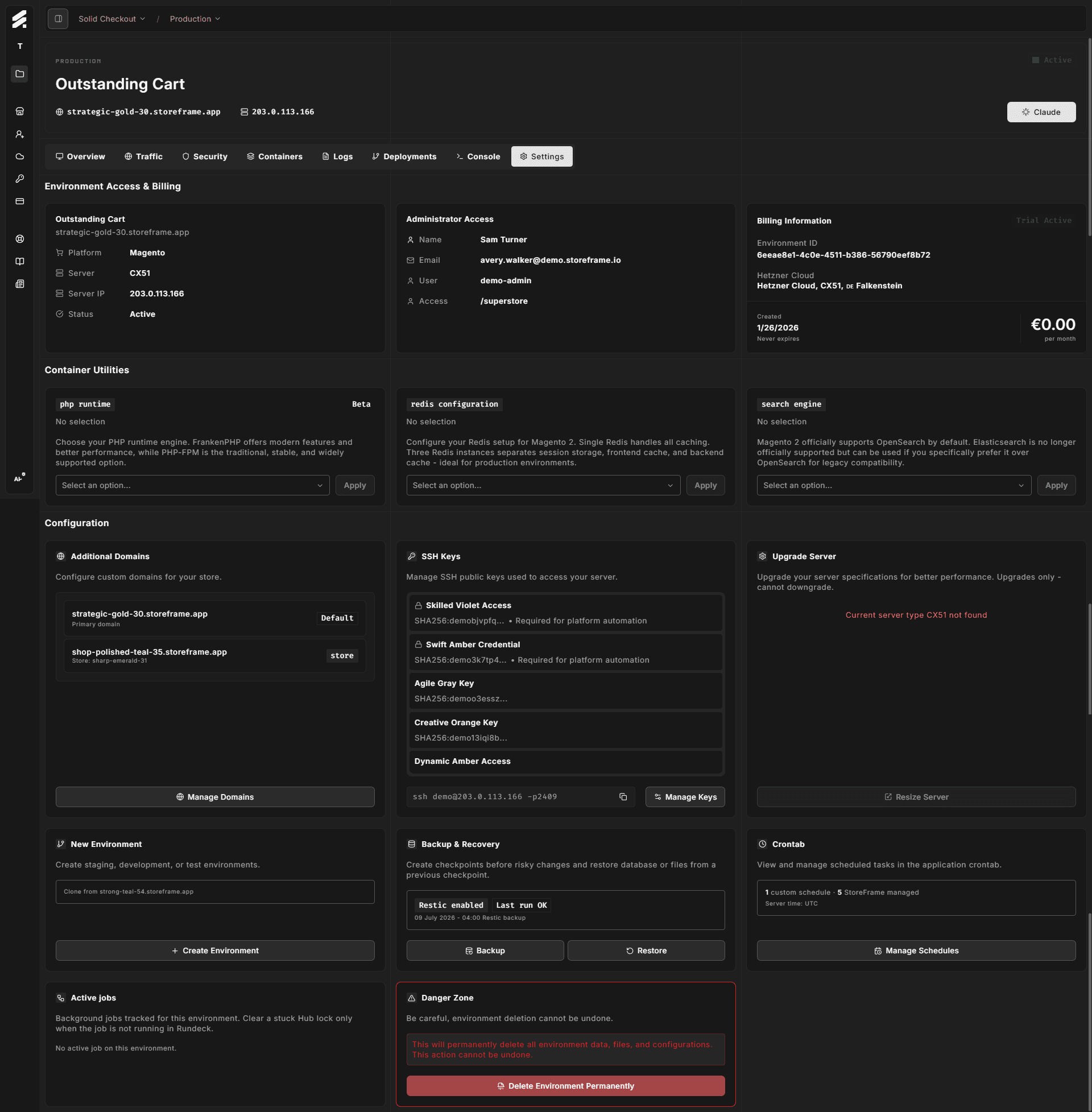
StoreFrame environments get a default domain at {subdomain}.storeframe.store the moment they are provisioned. Custom domains are optional and require you to create DNS records that point to your environment. SSL certificates are issued automatically once DNS is in place.
This page covers the most common issues that come up during custom domain setup.
DNS not propagated yet
Symptom: You've added the DNS record at your registrar but the domain still shows "Pending DNS" in the Hub, or the browser returns NXDOMAIN.
Cause: DNS changes take time to spread across resolvers worldwide. Your registrar's TTL for the record controls how long old values are cached. Most registrars default to 300–3600 seconds (5 minutes to 1 hour), but some records have longer TTLs set on older configurations.
Fix:
- Verify the record was created correctly using
dig:
# For an apex domain (A record)
dig A yourdomain.com +short

# For a subdomain (CNAME)
dig CNAME shop.yourdomain.com +short
The output should match the IP address or hostname shown in the Hub domain settings.
-
If
digreturns the correct value but the Hub still shows "Pending DNS," wait a few more minutes — the Hub checks on a polling interval. -
If
digreturns the old value or nothing, the record was not created correctly at your registrar. Double-check the record name, type, and value.
Wrong record type
Symptom: You added a DNS record but it resolves to the wrong place, or the Hub rejects the domain configuration.
Cause: Apex domains (yourdomain.com, no subdomain prefix) require an A record pointing to the environment's IP address. Subdomains (shop.yourdomain.com) can use a CNAME pointing to the StoreFrame-provided domain ({subdomain}.storeframe.store).
Using a CNAME for an apex domain is not allowed by the DNS standard — most registrars will block it. Using an A record for a subdomain works but means the IP is hardcoded; if StoreFrame ever migrates the environment to a different IP, you would need to update the record manually.
Fix: Use the record type recommended in the Hub domain settings panel:
| Domain type | Record type | Value |
|---|---|---|
Apex (yourdomain.com) | A | Environment IP from Hub |
Subdomain (shop.yourdomain.com) | CNAME | {subdomain}.storeframe.store |
Some registrars support ALIAS or ANAME records for apex domains — these behave like CNAME but are allowed at the apex. Either that or an A record works.
SSL certificate pending
Symptom: DNS is resolving correctly but the browser shows a certificate error, or the Hub shows the domain as "SSL pending."
Cause: StoreFrame uses lua-resty-acme with ZeroSSL to issue certificates automatically inside the OpenResty (nginx) layer. Certificate issuance is triggered after DNS propagation is detected. The issuance process itself takes up to 2 minutes.
Fix:
- Confirm DNS is fully propagated first (
digshould return the correct value from multiple resolvers — trydig @8.8.8.8anddig @1.1.1.1). - Wait up to 5 minutes after DNS propagates for the certificate to appear.
- Check the domain status in the Hub — it will update from "Pending SSL" to "Active" once the certificate is issued and installed.
If the domain remains "Pending SSL" after 10 minutes with correct DNS, file a support ticket. Include the domain name and the environment ID.
CAA records blocking issuance
Symptom: DNS is correct and propagated, but SSL issuance fails. The Hub may show an error referencing certificate authority authorization.
Cause: CAA (Certification Authority Authorization) DNS records restrict which certificate authorities can issue certificates for your domain. If your DNS has CAA records, they must explicitly allow the CA that StoreFrame uses.
StoreFrame issues certificates via ZeroSSL (the default) on current environments. Older environments may use Let's Encrypt.
Fix:
Check your current CAA records:
dig CAA yourdomain.comIf you see issue records that do not include ZeroSSL or Let's Encrypt, add the appropriate record:
yourdomain.com.  3600  IN  CAA  0 issue "sectigo.com"    ; ZeroSSL
yourdomain.com.  3600  IN  CAA  0 issue "letsencrypt.org" ; Let's Encrypt (older envs)
If you are not sure which CA your environment uses, check the domain settings in the Hub, or file a ticket and support will confirm.
Wildcard SSL
Wildcard certificates (*.yourdomain.com) are supported but require a DNS-01 ACME challenge rather than the default HTTP-01. DNS-01 challenges require your DNS provider to have an API that can be automated, and require additional configuration. If you need wildcard coverage, file a support ticket to set this up — it is handled on a per-environment basis and is not self-serve.
Quick reference
| Problem | First check |
|---|---|
| Domain not resolving | dig A yourdomain.com +short |
| CNAME not resolving | dig CNAME shop.yourdomain.com +short |
| SSL not issuing | Confirm DNS correct, wait 5 min, check CAA records |
| CAA conflict | dig CAA yourdomain.com |