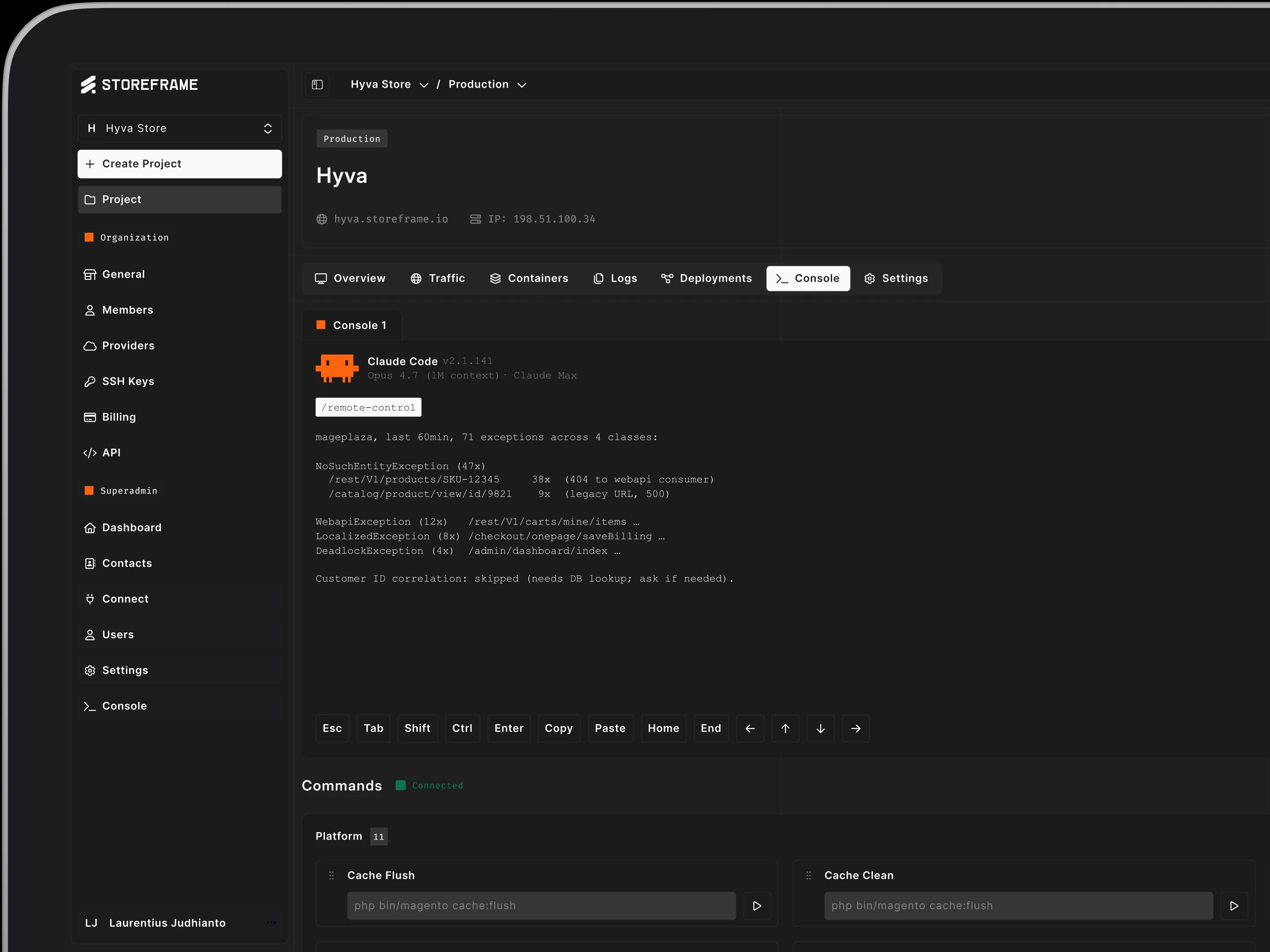
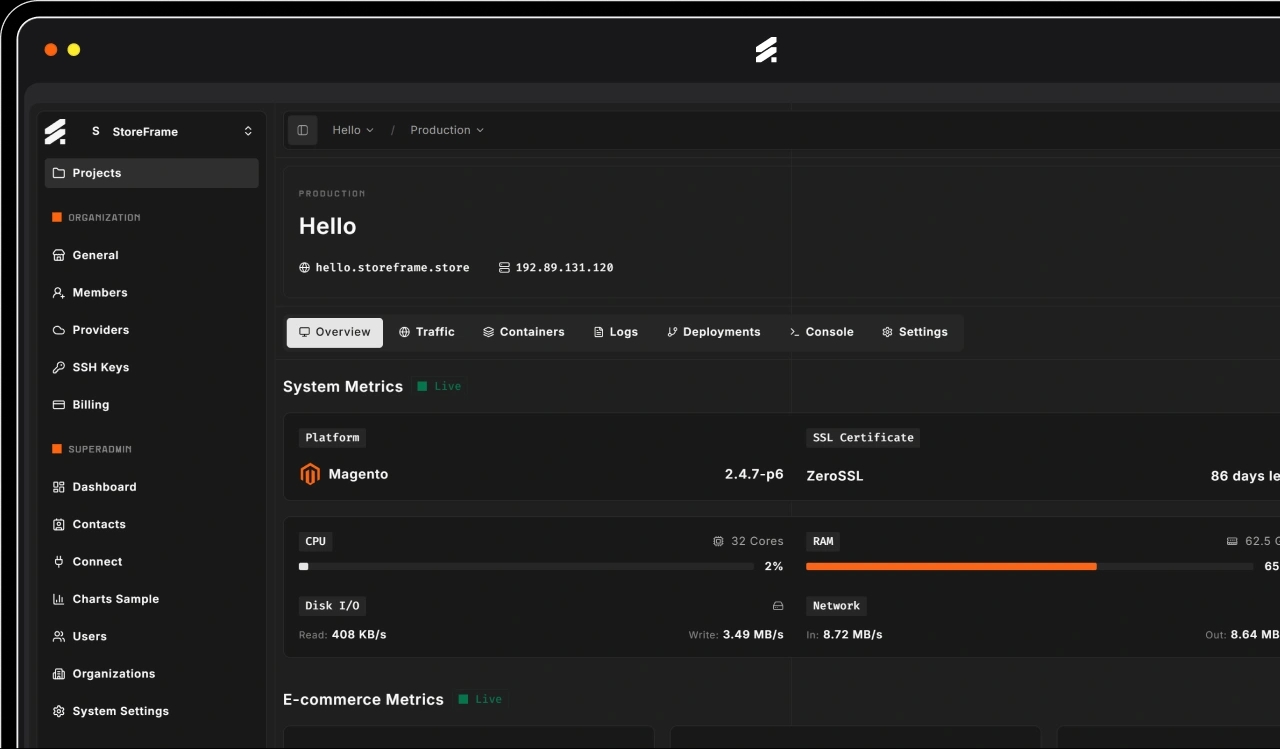
Containers
Containers
Magento container management — start, stop, restart, version-pin OpenResty, FrankenPHP, MariaDB, Redis, OpenSearch, Varnish, and more from the HUB.
Per-Container Controls
Per-Container Controls
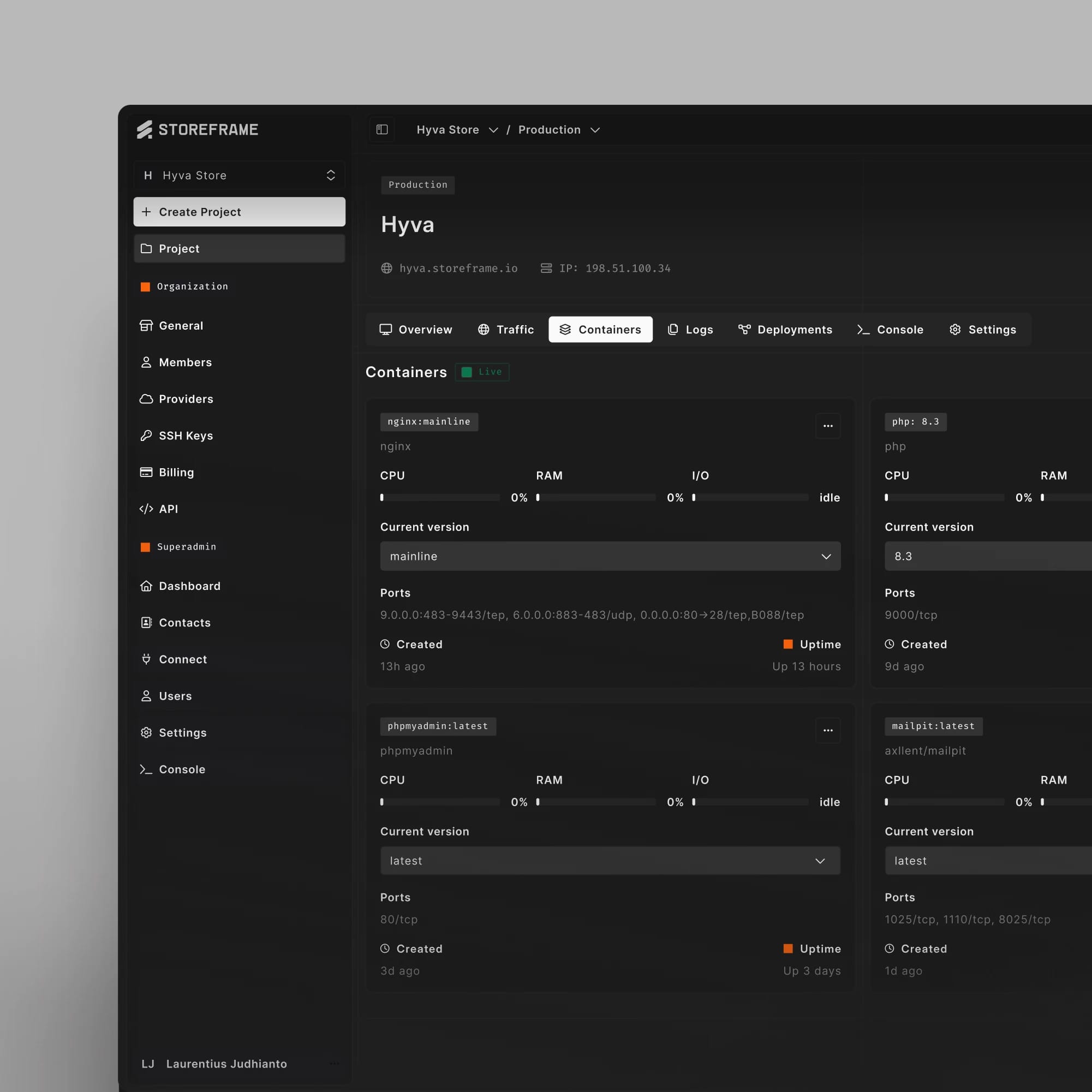
Each card in the dashboard is one Docker service. Lifecycle, versions, and external tooling are all one click away. Read the Containers docs.
Lifecycle Actions
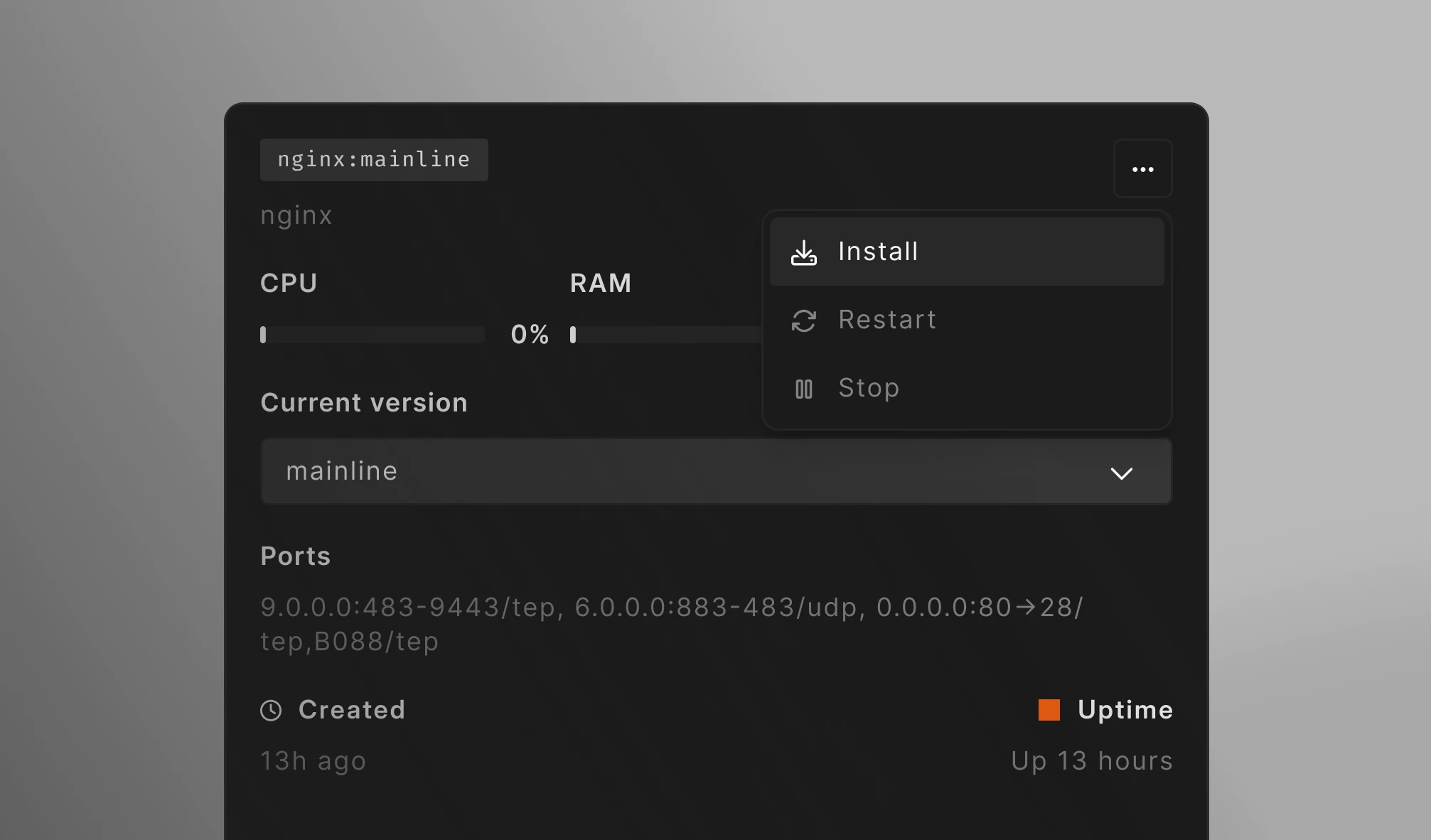
Stop, restart, or install a service from its card. Restart PHP without touching MariaDB or Redis. Each action runs as a background job; status goes live once it finishes.
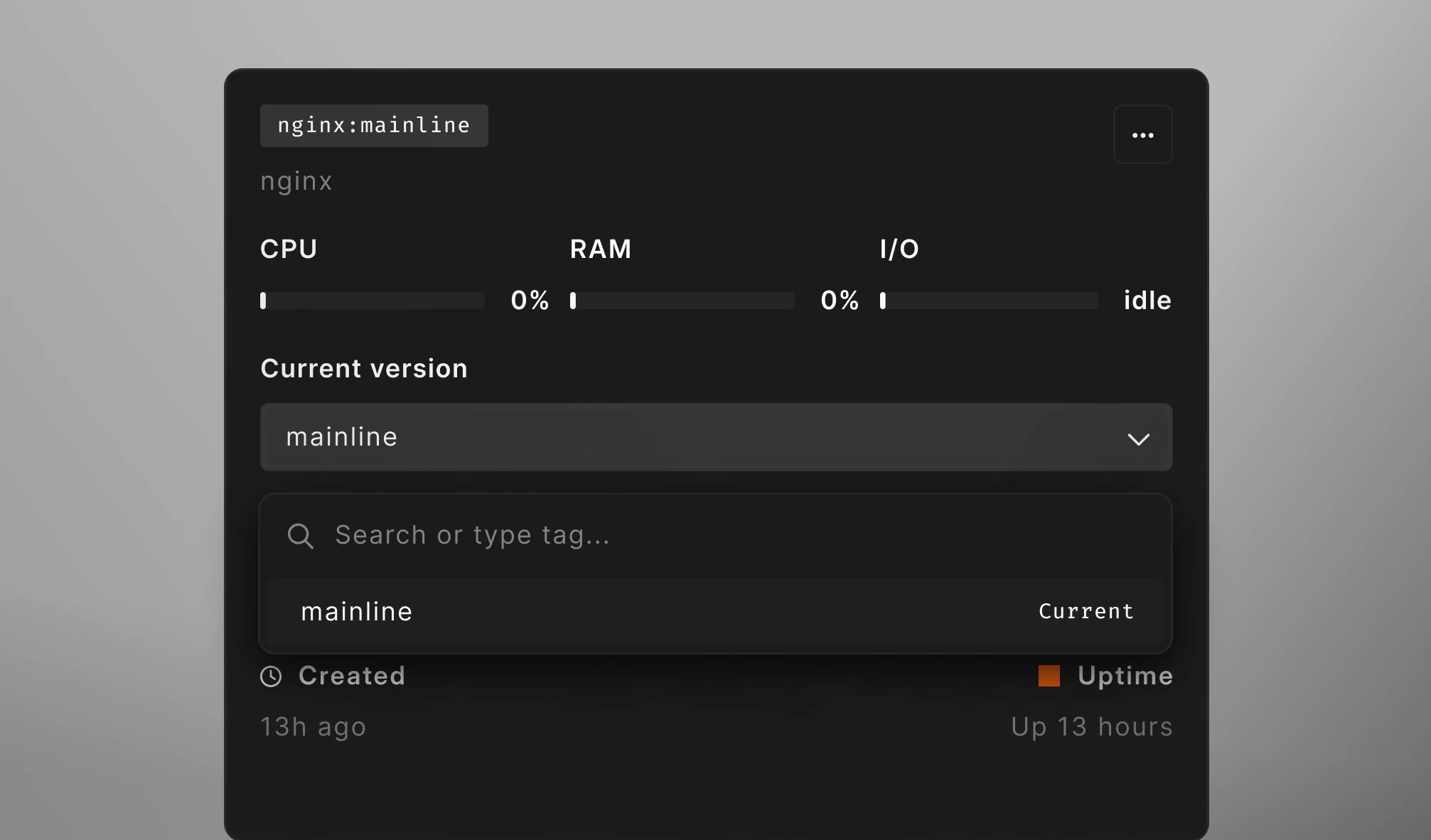
Version Management
Pick a version from the dropdown — every available tag for the service is listed. Apply runs the install task on your server, no SSH or manual steps required.
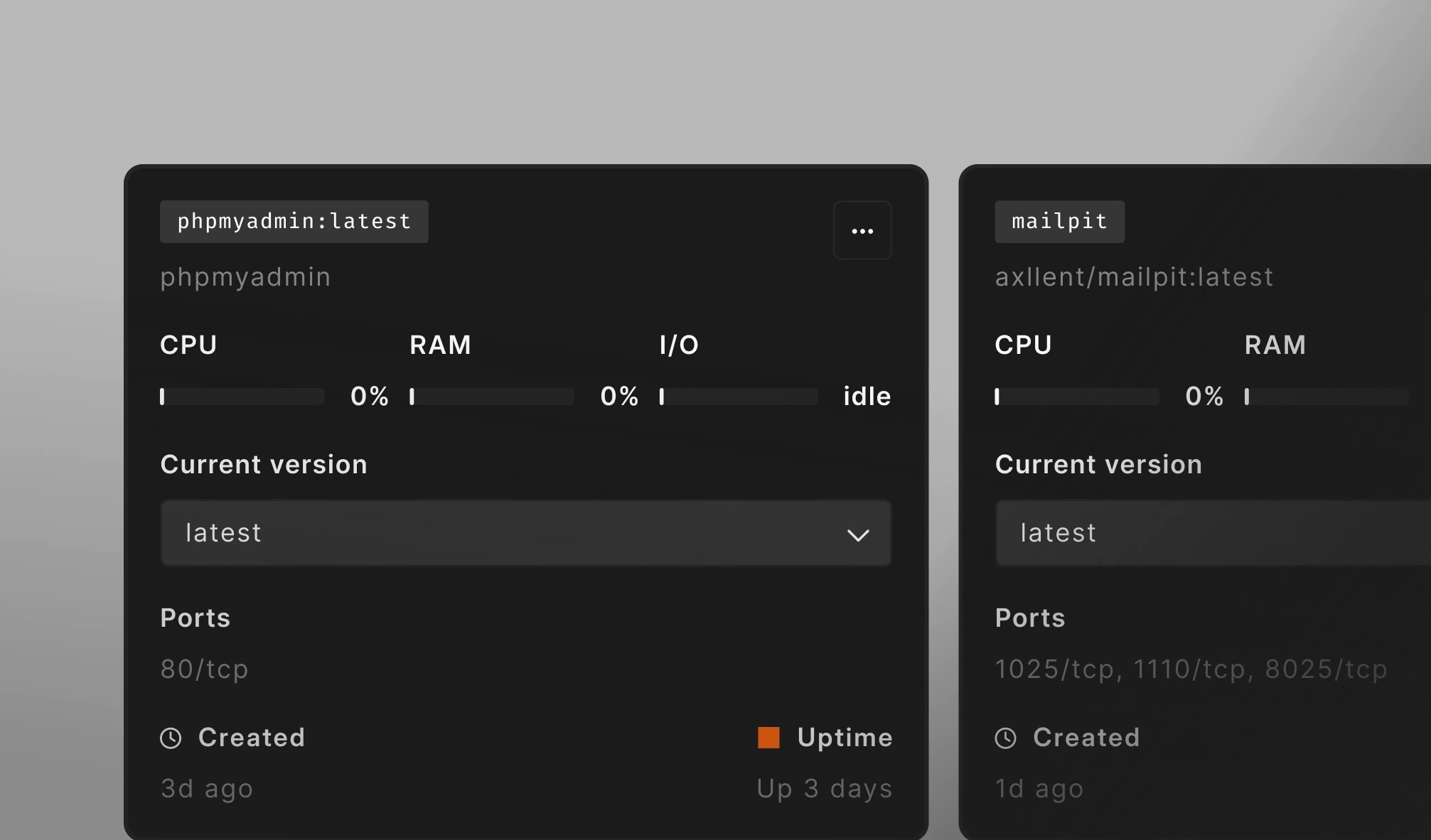
External Tooling Links
Running services with a web UI — phpMyAdmin, Mailpit — show a one-click link icon on their card. Open the tool in a new tab without copying URLs or hunting for ports.
Stack and Live Stats
Stack and Live Stats
What runs on every environment, and what each container looks like live — image, version, ports, and resource usage in one card.

The Persistent Stack
nginx, PHP (FPM or FrankenPHP), MariaDB, Redis, OpenSearch or Elasticsearch, Varnish, RabbitMQ, and Node.js — plus dev and admin tooling: phpMyAdmin, Mailpit, and CrowdSec. Pre-installed on every environment.
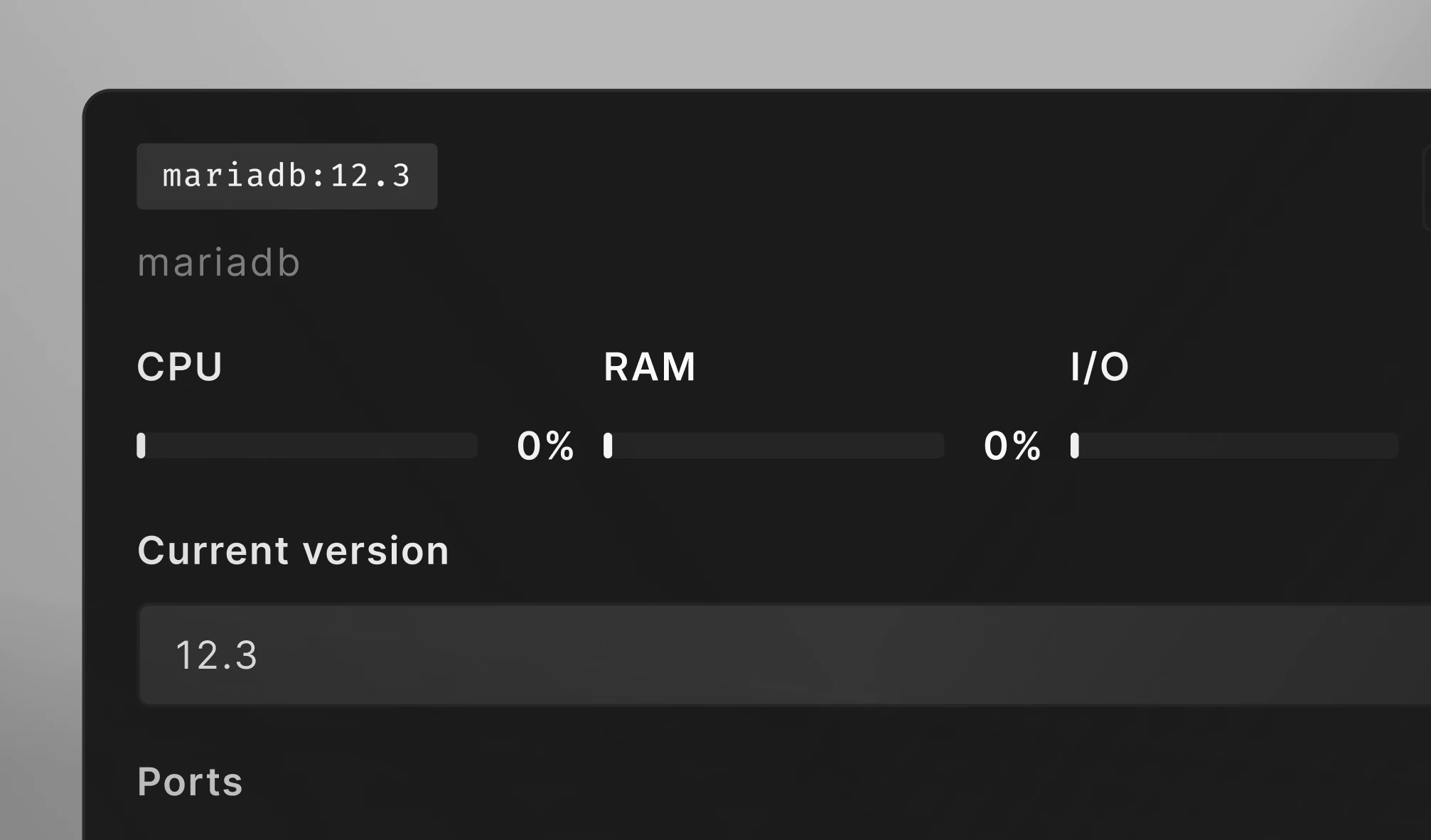
Live Resource Usage
CPU, RAM, and I/O percentage per container, refreshed up to every 5 seconds. Bars colour-shift at medium and high thresholds so the noisy neighbour is obvious at a glance.
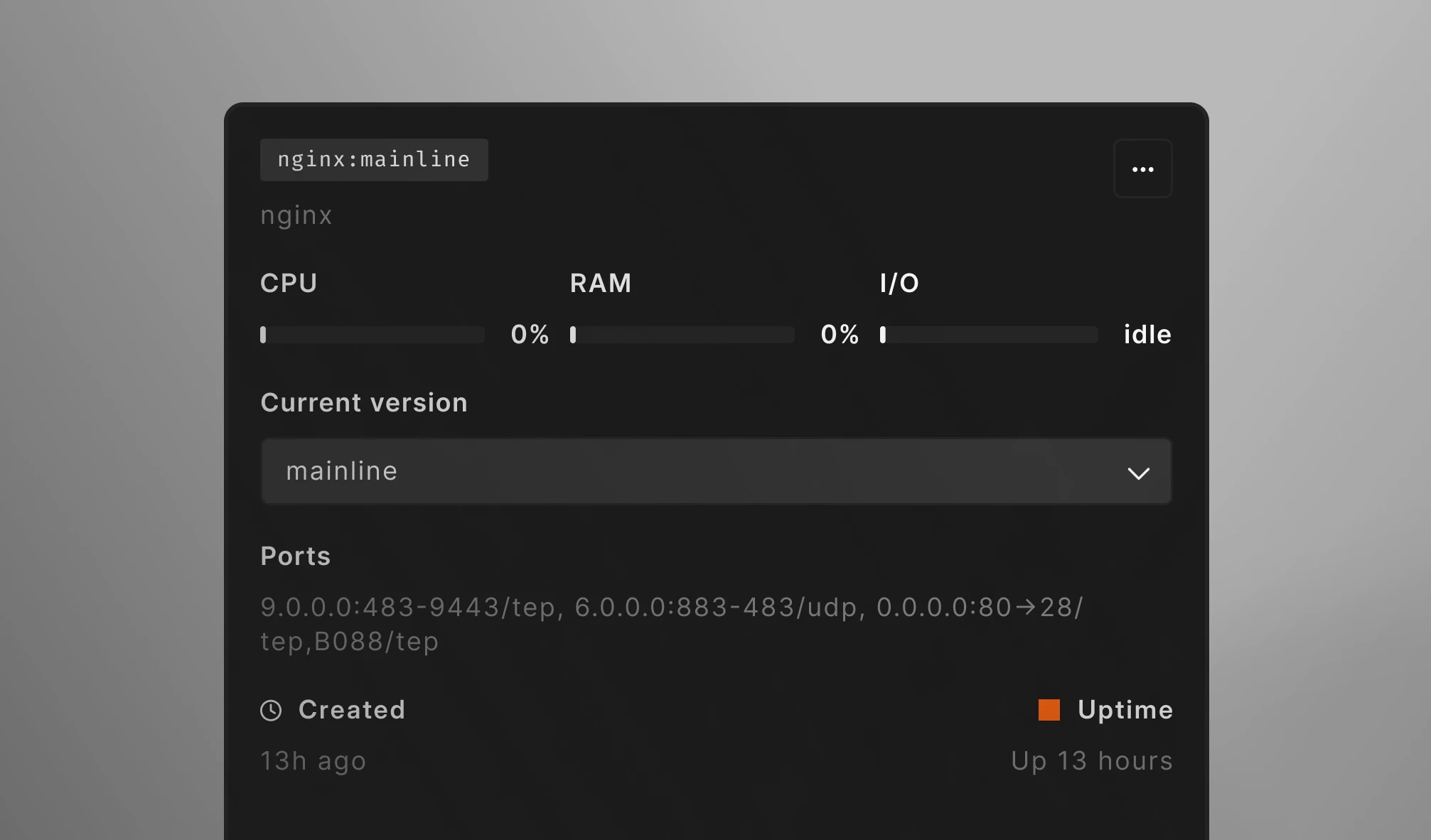
Container Metadata
Each card shows image name, current version, ports, creation timestamp, uptime, and a colour-coded status indicator (running, stopped, restarting, or not installed).