
/model
Switch the AI model and save it as the default for new sessions.
/model changes which AI model Claude Code uses. The choice is saved as the default for new sessions on this environment.
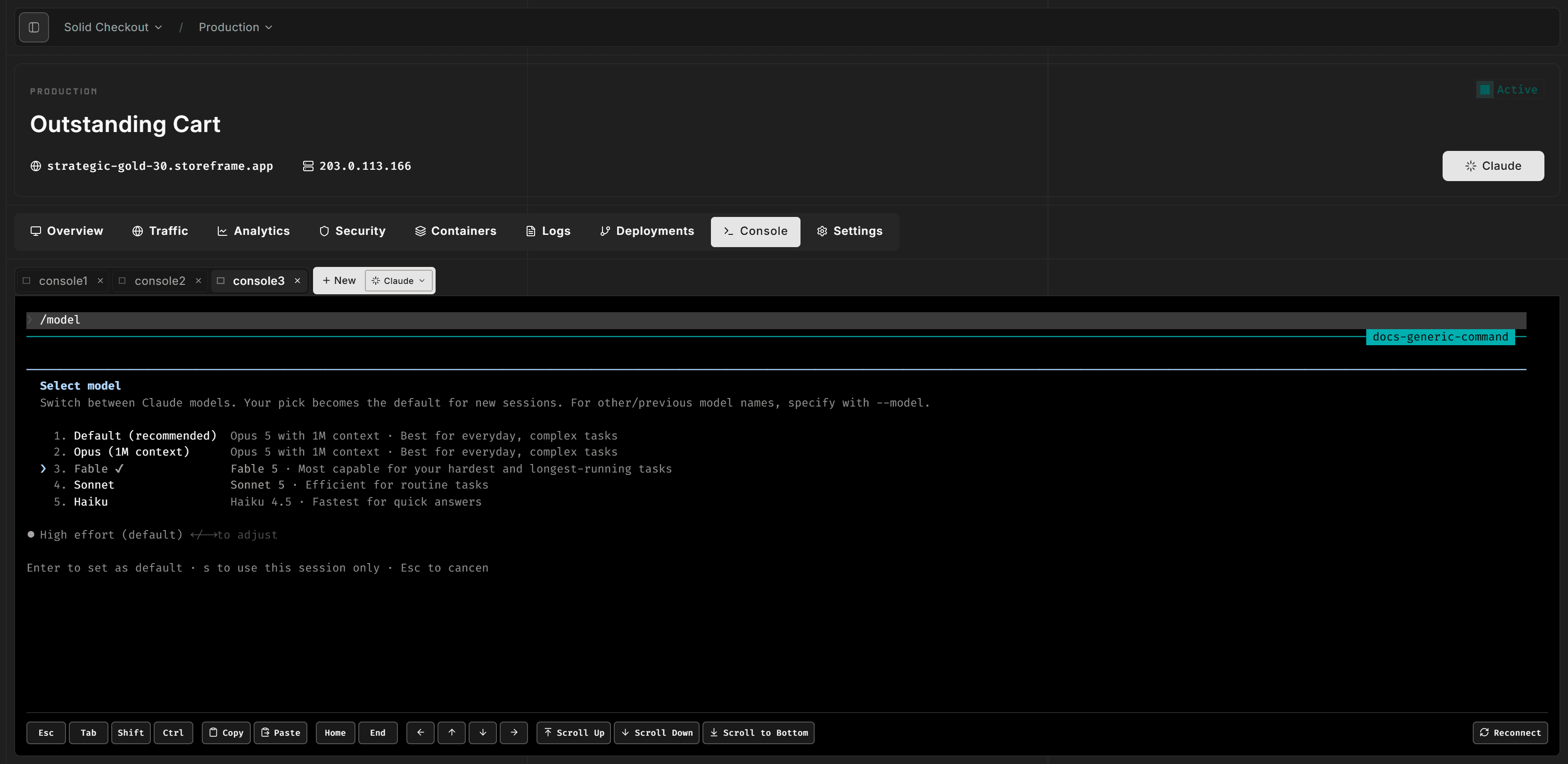
Interactive picker
Type /model with no argument. An interactive picker lists available models. Select a row to switch and save that model as the default.
Press s on a row to apply that model for the current session only, without changing the default for later sessions.
Named model
Type /model <name> to switch directly to a specific model, for example /model sonnet. That name is saved as the default for new sessions.
Mid-conversation confirmation
Switching models can invalidate the prompt cache. Claude may ask you to confirm if you run /model in the middle of a conversation. Confirming continues with the new model; declining keeps the current one.