
Notifications
Control which transactional and marketing emails Hub sends to your account.
The Notifications page contains two cards — Transactional emails and Marketing emails — that let you choose which emails Hub sends to your registered address.
Navigate there via user avatar → Account → Notifications.
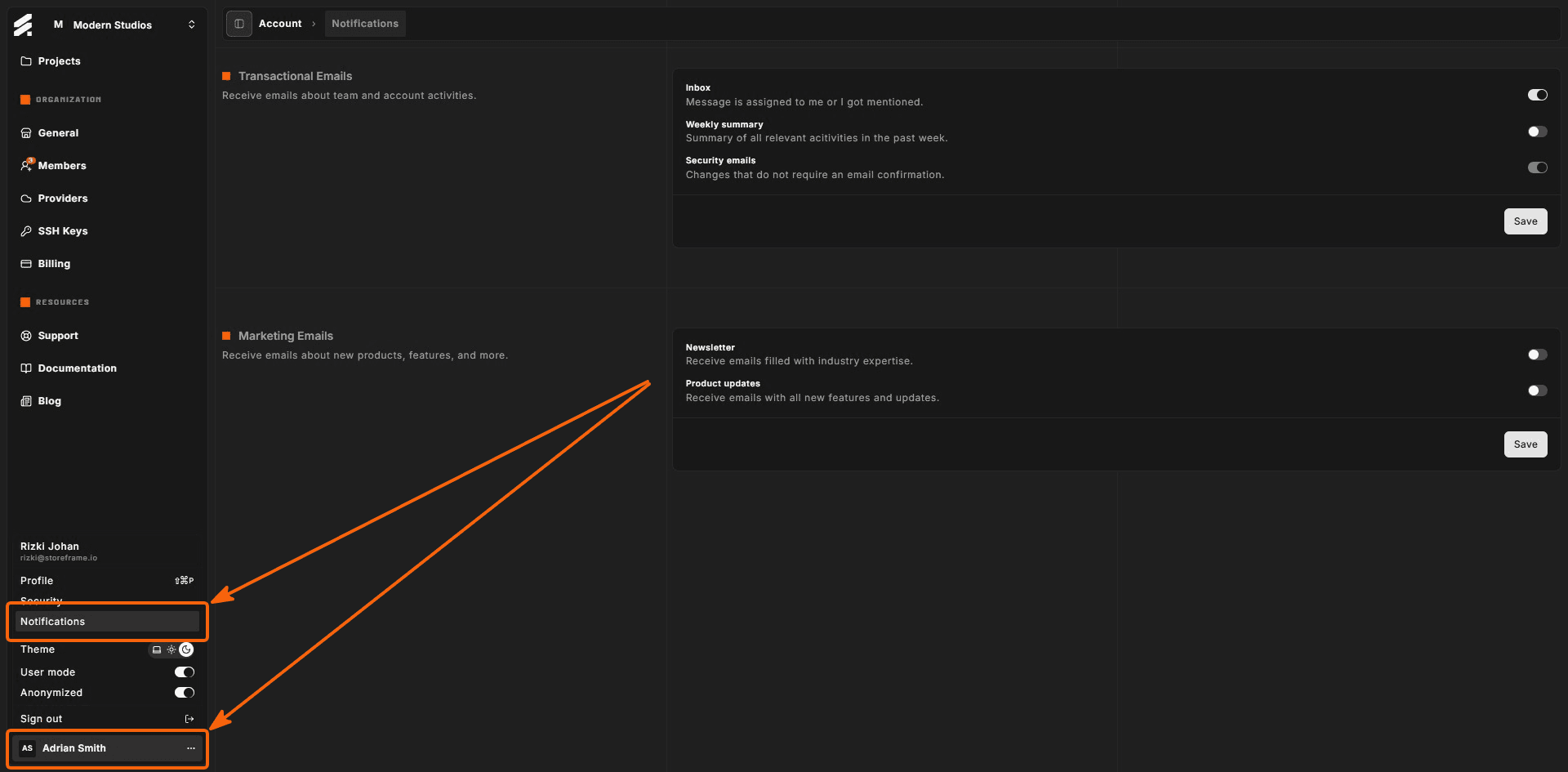
Transactional emails
Transactional emails are activity notifications tied to events inside Hub. Most are opt-in toggles, but one category is always on.
| Toggle | Description | Can disable? |
|---|---|---|
| Inbox | A message was assigned to you or you were mentioned. | Yes |
| Weekly summary | A summary of relevant activities from the past week. | Yes |
| Security emails | Notifications about account changes that do not require email confirmation (e.g., password changed, new session). | No — always enabled |
Turn each toggle on or off as needed, then click Save to apply your selection.
Security emails cannot be disabled because they provide important account protection signals. If you receive a security email for an action you did not take, sign in and review your active sessions immediately.
Marketing emails
Marketing emails are entirely opt-in. By default both options are off. Enable the ones you find useful.
| Toggle | Description |
|---|---|
| Newsletter | Emails filled with industry expertise and Magento ecosystem insights. |
| Product updates | Announcements about new StoreFrame features and platform updates. |
Click Save to record your preferences. You can return to this page and opt out at any time.
Opting out of marketing emails does not affect transactional or security emails.