1‑Click Deploy
1‑Click Deploy
Pick your Magento version, theme, server, and region — then click once. StoreFrame provisions a fully containerized, production-tuned Magento store: SSL, security, observability, and Claude Code, all on from the first request. No manual stack assembly, no tuning checklist.

Four Steps to Production
Four Steps to Production
A single guided flow takes you from empty to live. Every step has sensible defaults — there is nothing to configure by hand.
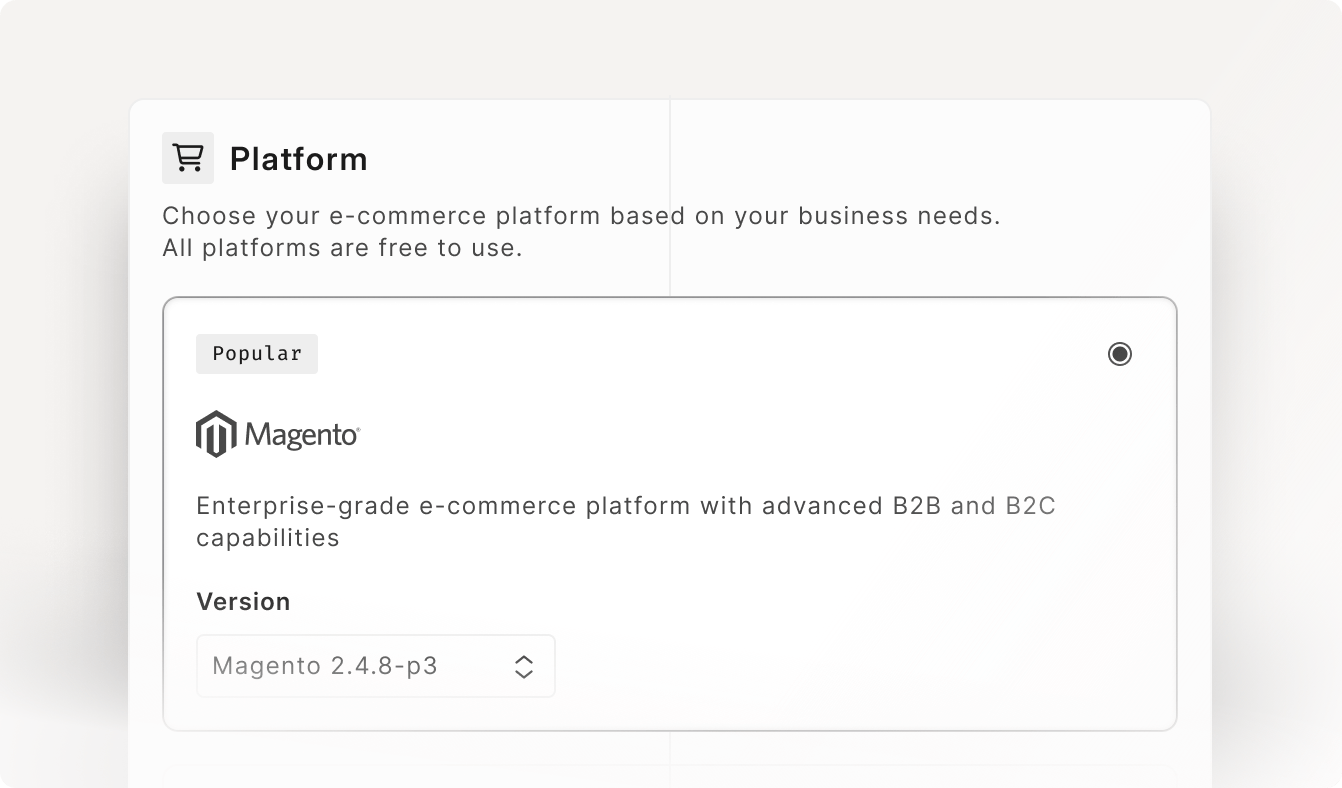
Platform & Version
Choose Magento and the exact version. Every version ships as a pinned, reproducible container image — no surprise upgrades, no drift between environments.
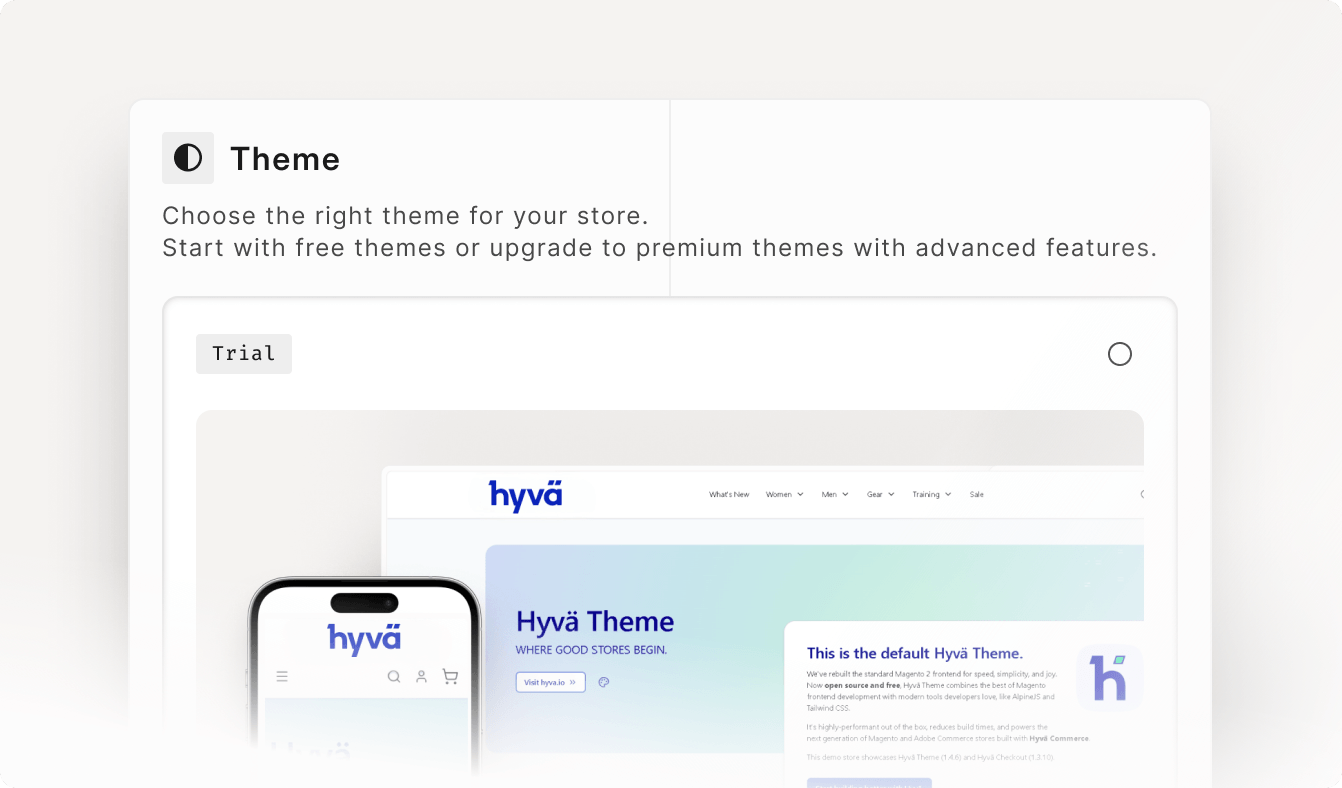
Theme
Start from a ready theme so the storefront renders on first boot — no blank-install detour before you can see your store.
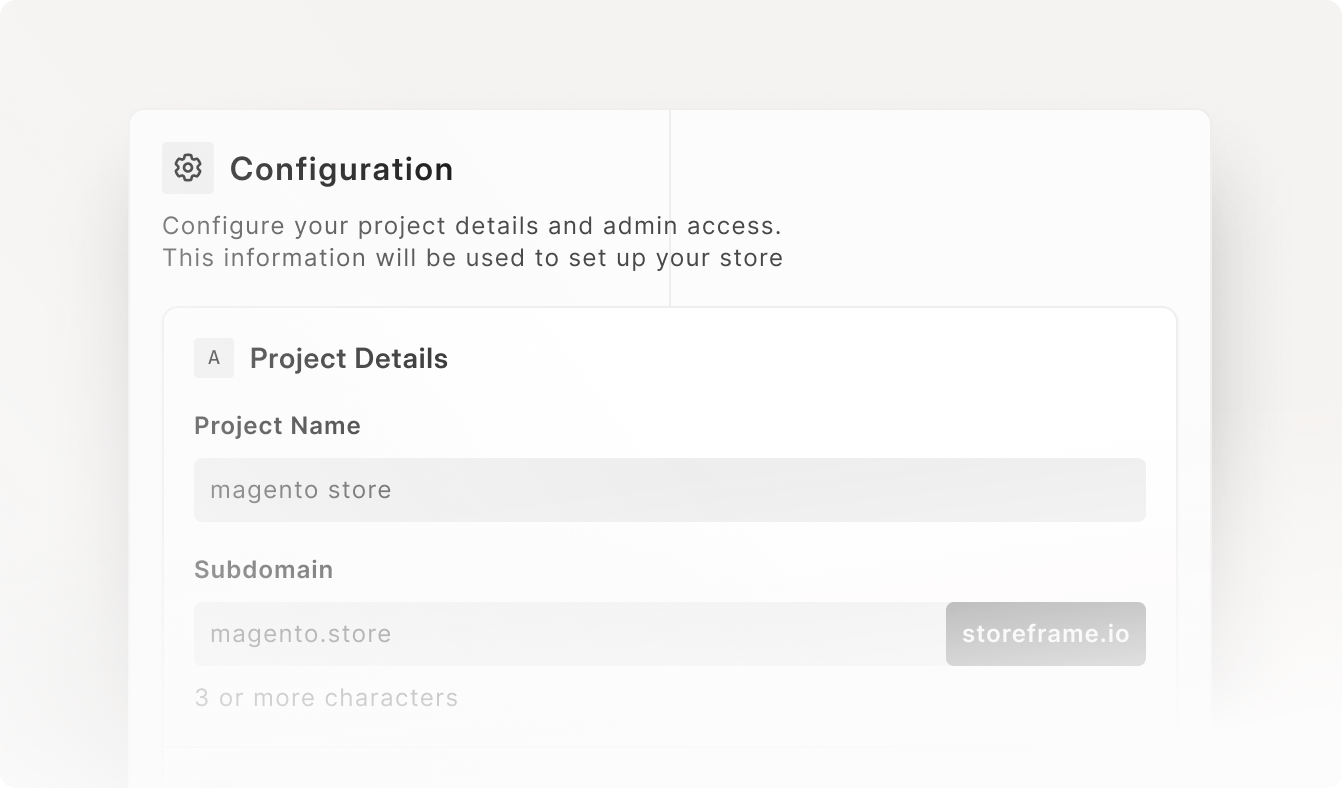
Configuration
Name your store and subdomain, then pick your cloud — bring your own Hetzner, UpCloud, Linode, or DigitalOcean key, or use a managed provider — along with server size and region. Subdomain availability is checked live as you type.
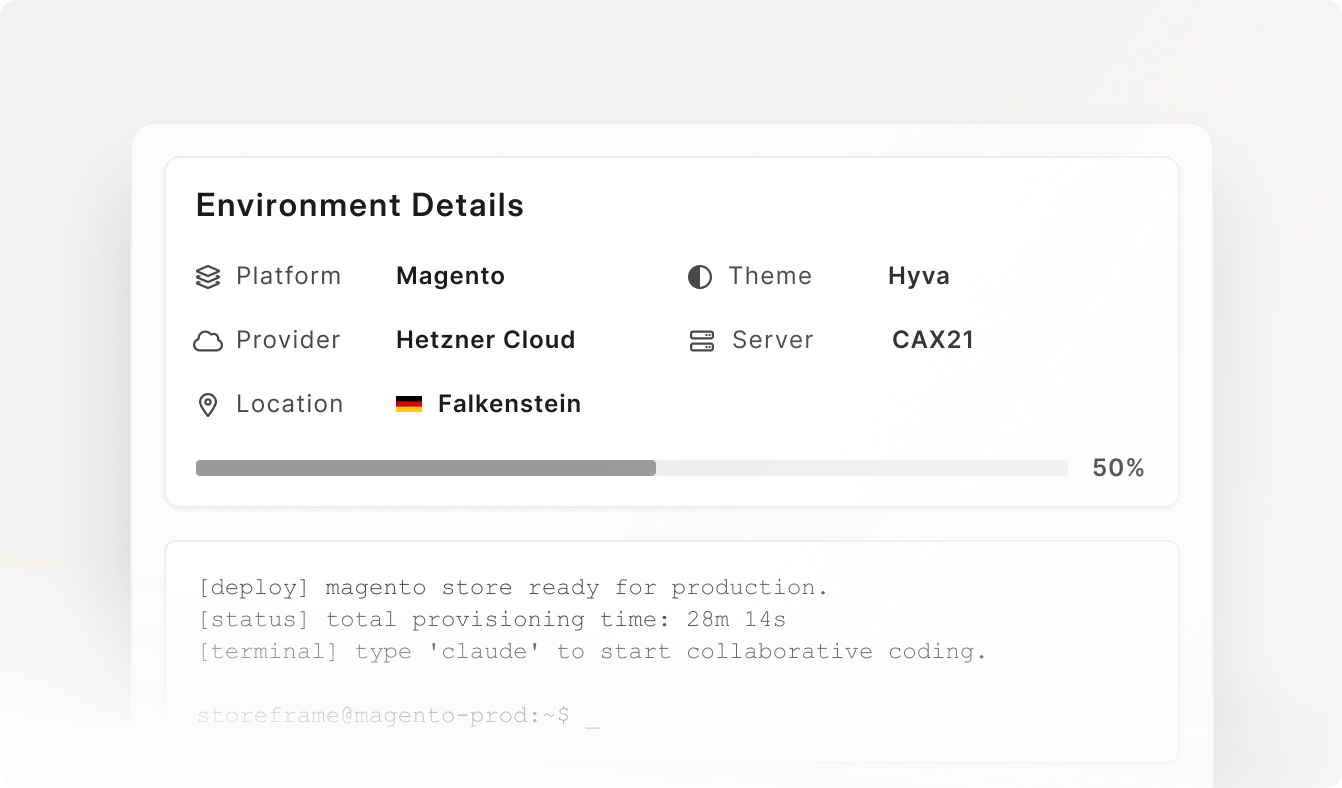
Review & Deploy
One screen confirms platform, theme, server, location, and admin. Agree, click, and the provisioning pipeline runs with live progress in the Console.
Production-Ready, Fully Tuned
Production-Ready, Fully Tuned
What comes out is not a bare install. The whole stack is auto-tuned to the server you picked and hardened before it ever serves a request.
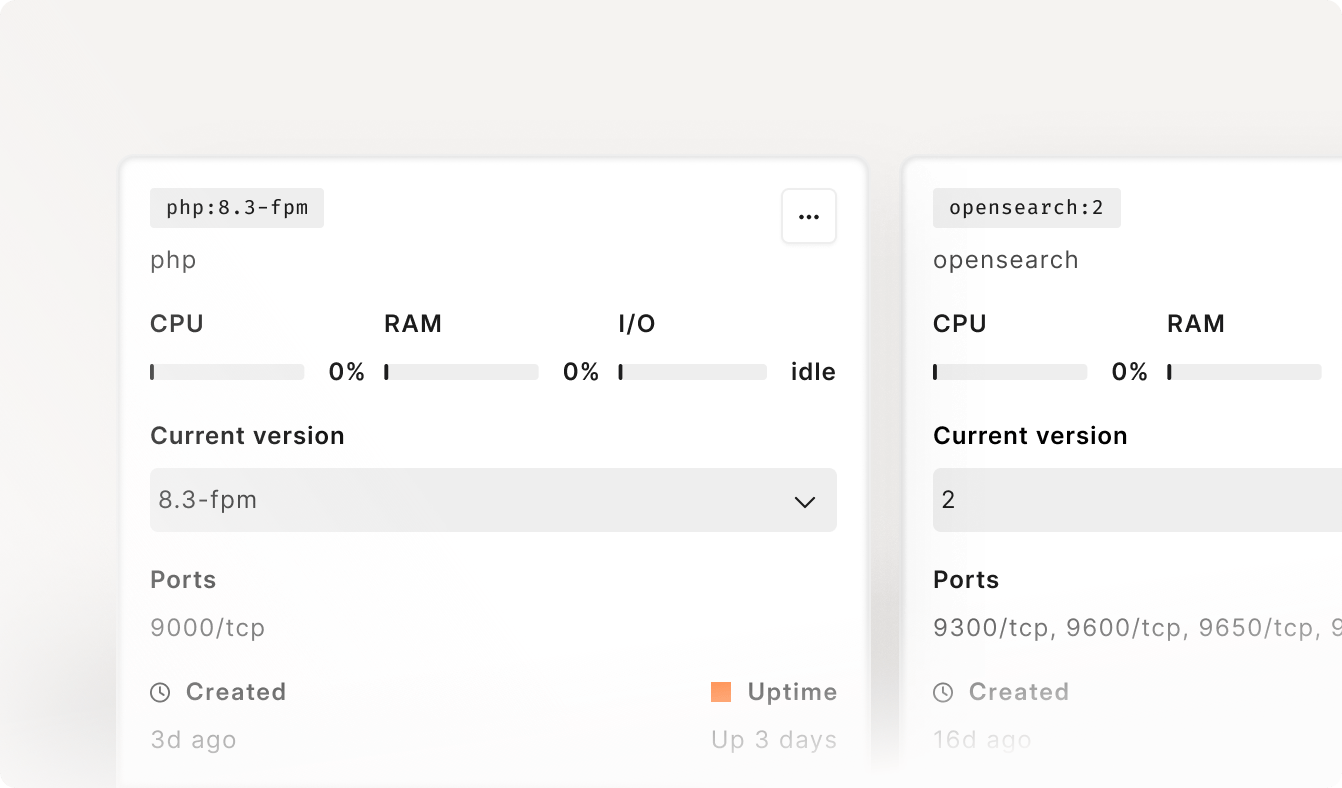
Auto-Tuned Stack
PHP-FPM workers, OpenSearch, Varnish, MySQL, and Redis are sized to your server's CPU and memory automatically. No manual php.ini or pool-size math.
Secure from Day One
Firewall, WAF, proof-of-work challenge, threat intelligence, and CIS hardening are applied during provisioning — not bolted on after launch.
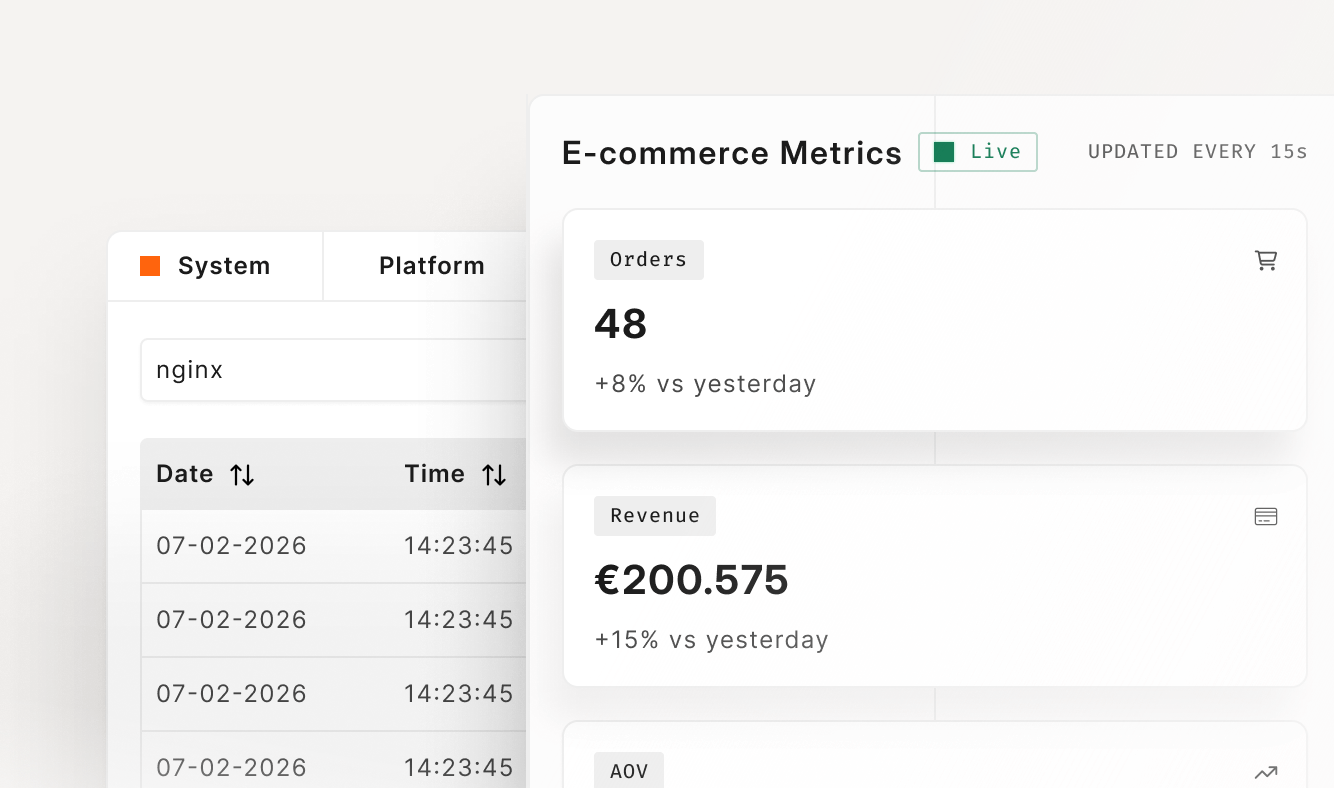
Observability Built In
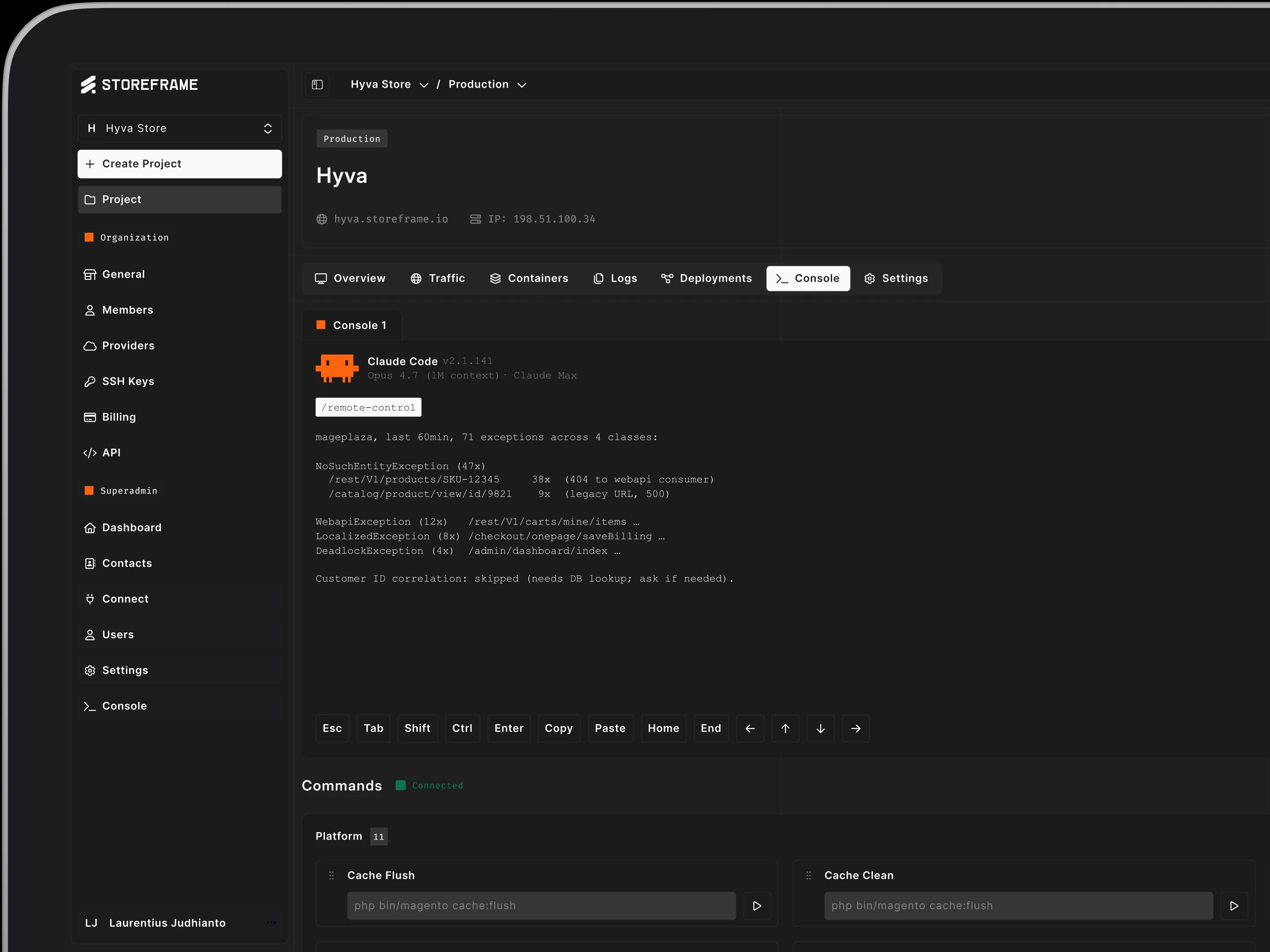
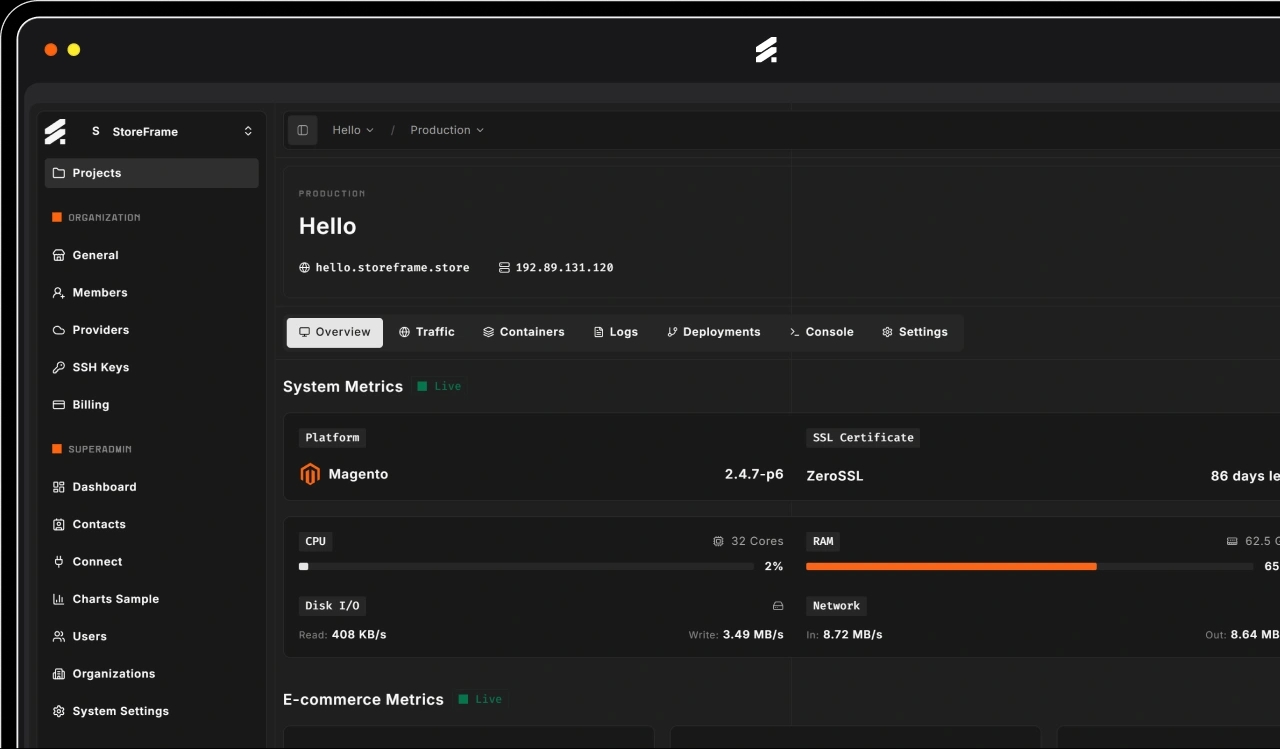
Live logs, metrics, container stats, and alerts stream to the dashboard the moment the store boots. Claude Code is pre-installed for diagnostics.
Clone from Production
Clone from Production
Need a safe place to test? Spin up staging, develop, or test under any production store — cloned from the live environment so it behaves exactly like production.
An Exact Copy
By default a new environment is cloned from production: database, files, crontab, and media. The copy matches what's live, so what you test is what ships.
Skip What You Don't Need
Toggle off any part of the sync — database dump, file sync, crontab, or media — for a lighter or schema-only copy when a full clone is overkill.
Same Tuning, Isolated
Cloned environments get the same auto-tuned, secured stack as production, fully isolated. Break things safely, then promote with confidence.