Traffic
Traffic
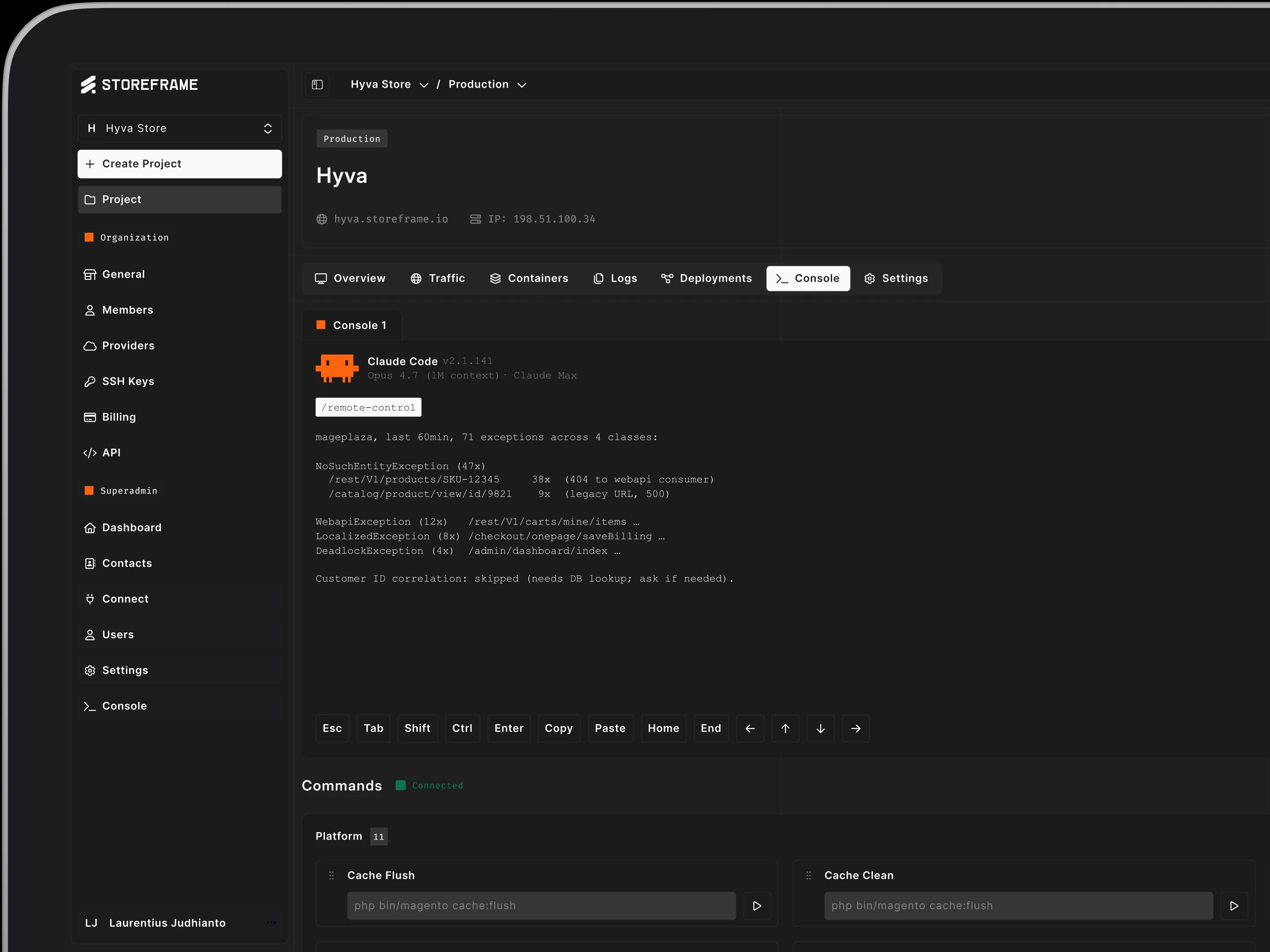
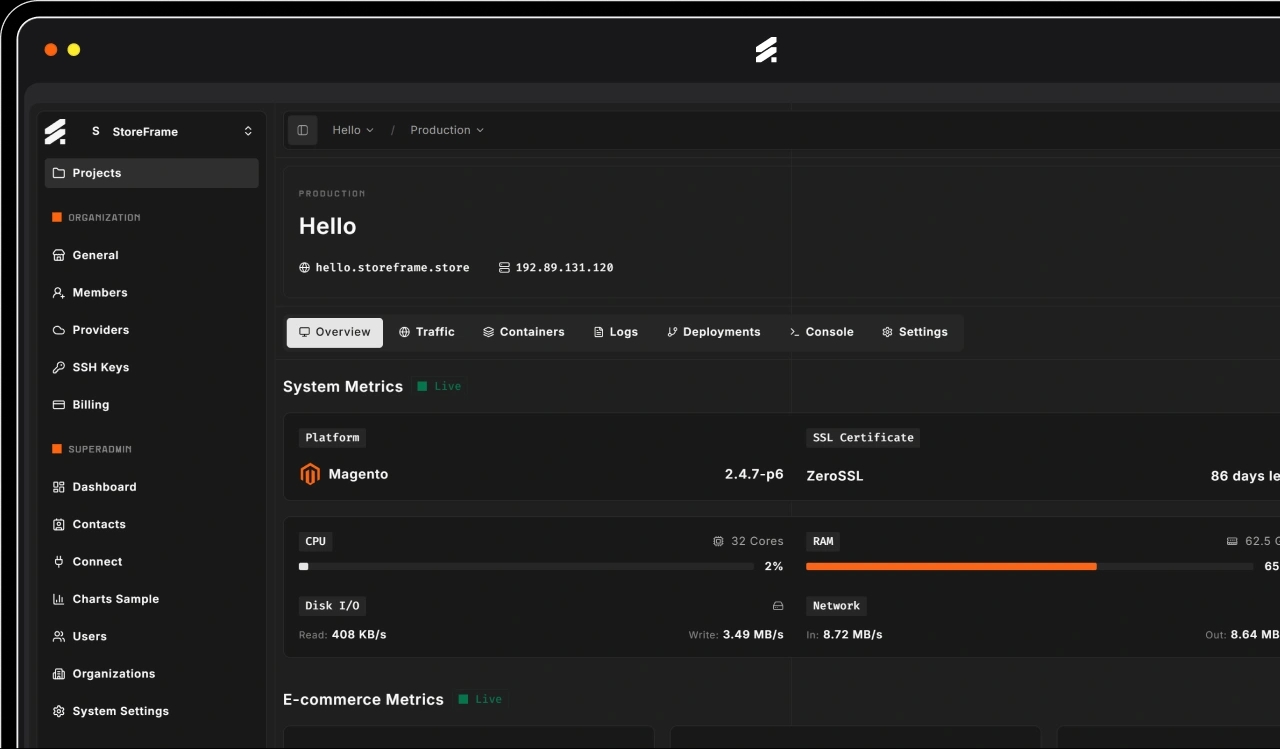
Live Magento traffic monitoring — geographic patterns, bot detection, request classification, and rate limits. See who is hitting your store in real time, with edge defense decisions visible per request.
Live Request Stream
Live Request Stream
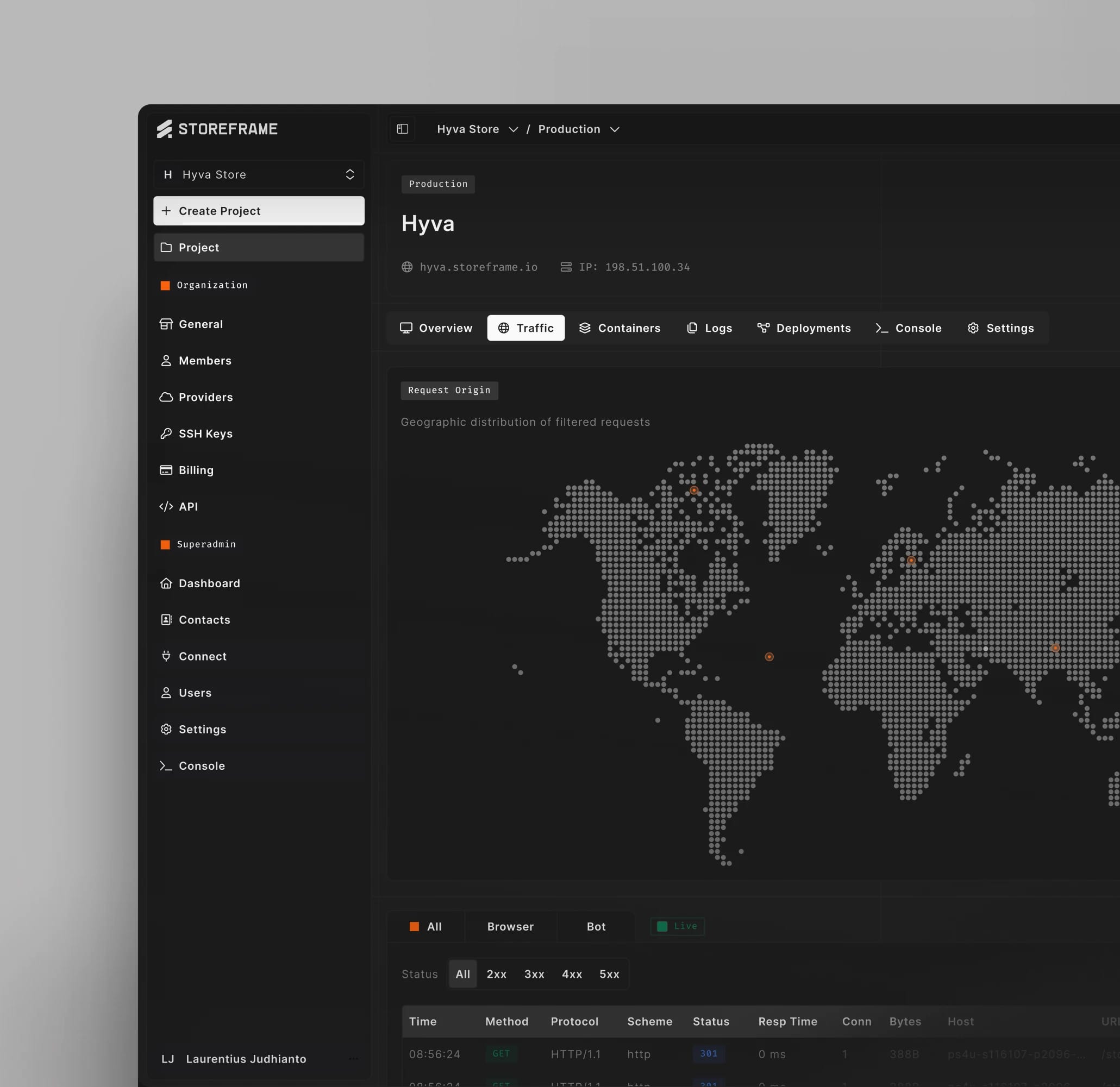
Every request flows from your edge container into the dashboard live — a 1-hour rolling window with up to 5,000 entries buffered, classified, and ready to filter. Read the Traffic docs.
Request Table
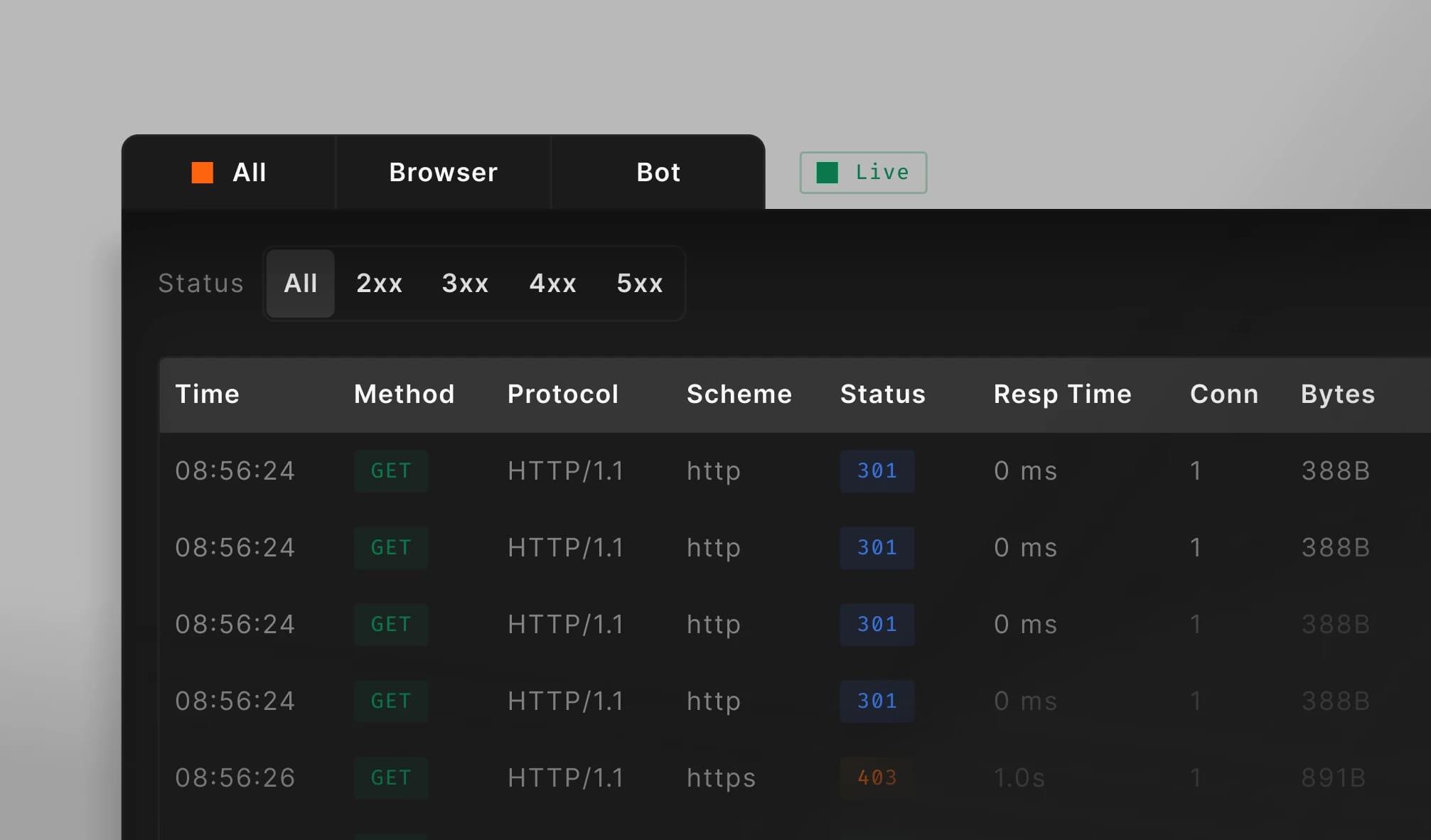
Each row carries timestamp, method, scheme, protocol, status, response time, bytes sent, host, URI, remote IP, country and city, user agent, and any security flags raised on the request.
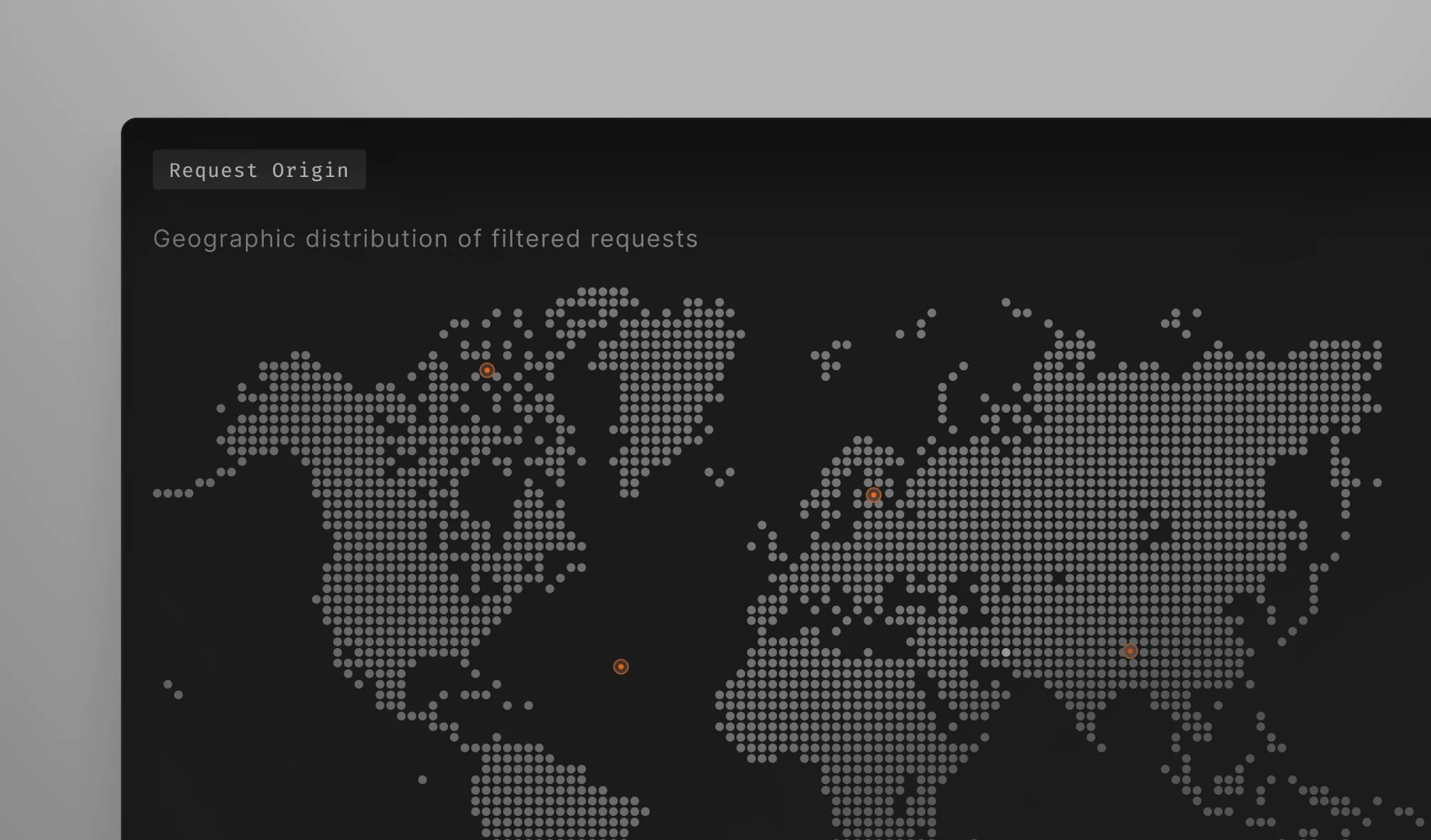
Geographic Origins
A world map plots every request by latitude and longitude. A sidebar lists the top countries and cities by request count, updating live as traffic shifts.
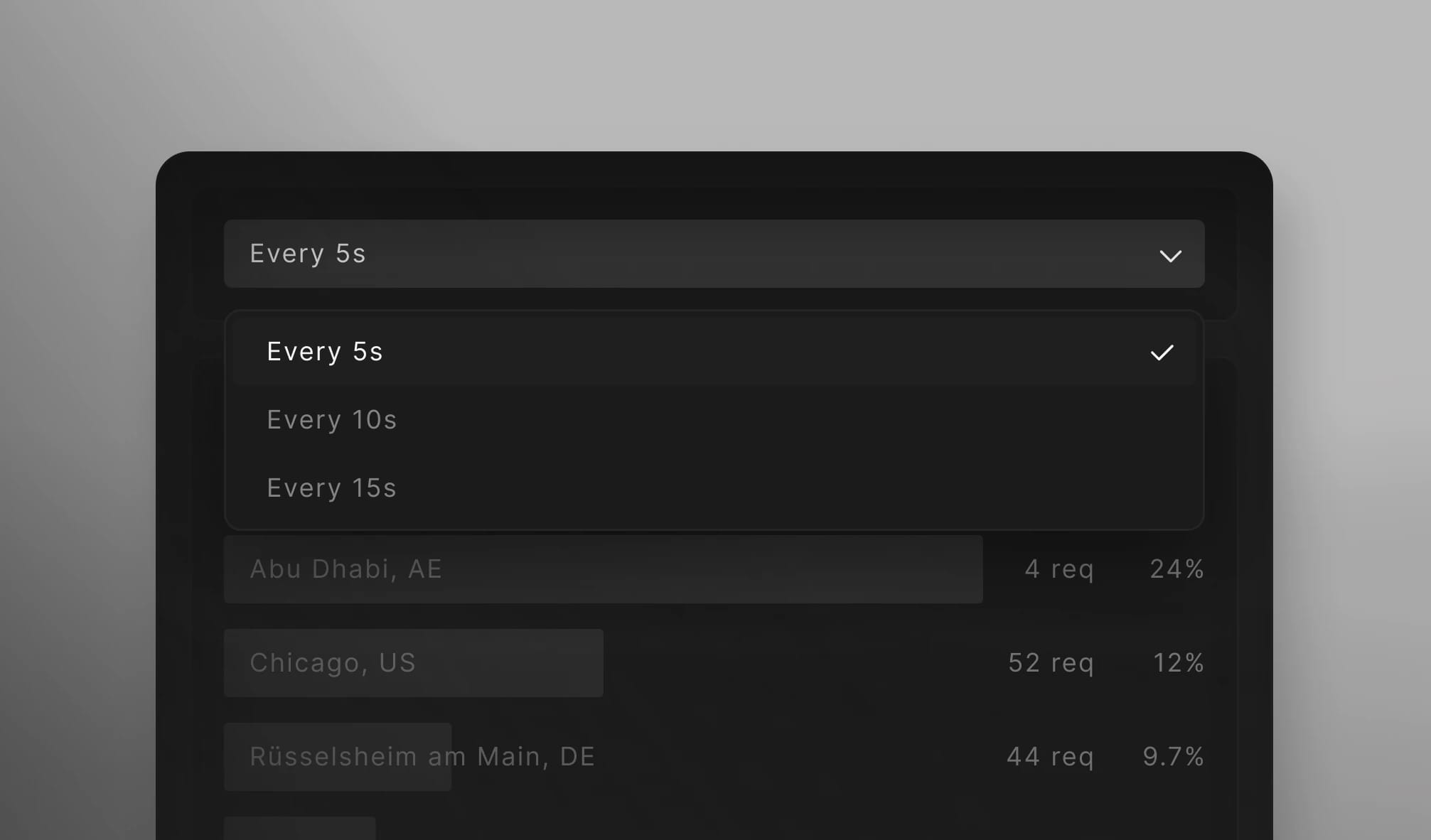
Security & Bot Signals
Each request is tagged with security flags from the WAF and bot challenges. Filter by status, country, or threat level — spot attack patterns as they happen, not after the fact.
Classification and Filters
Classification and Filters
Drill into what matters: legitimate browsers, bots, error codes, or security events — each filter applied client-side against the live buffer.
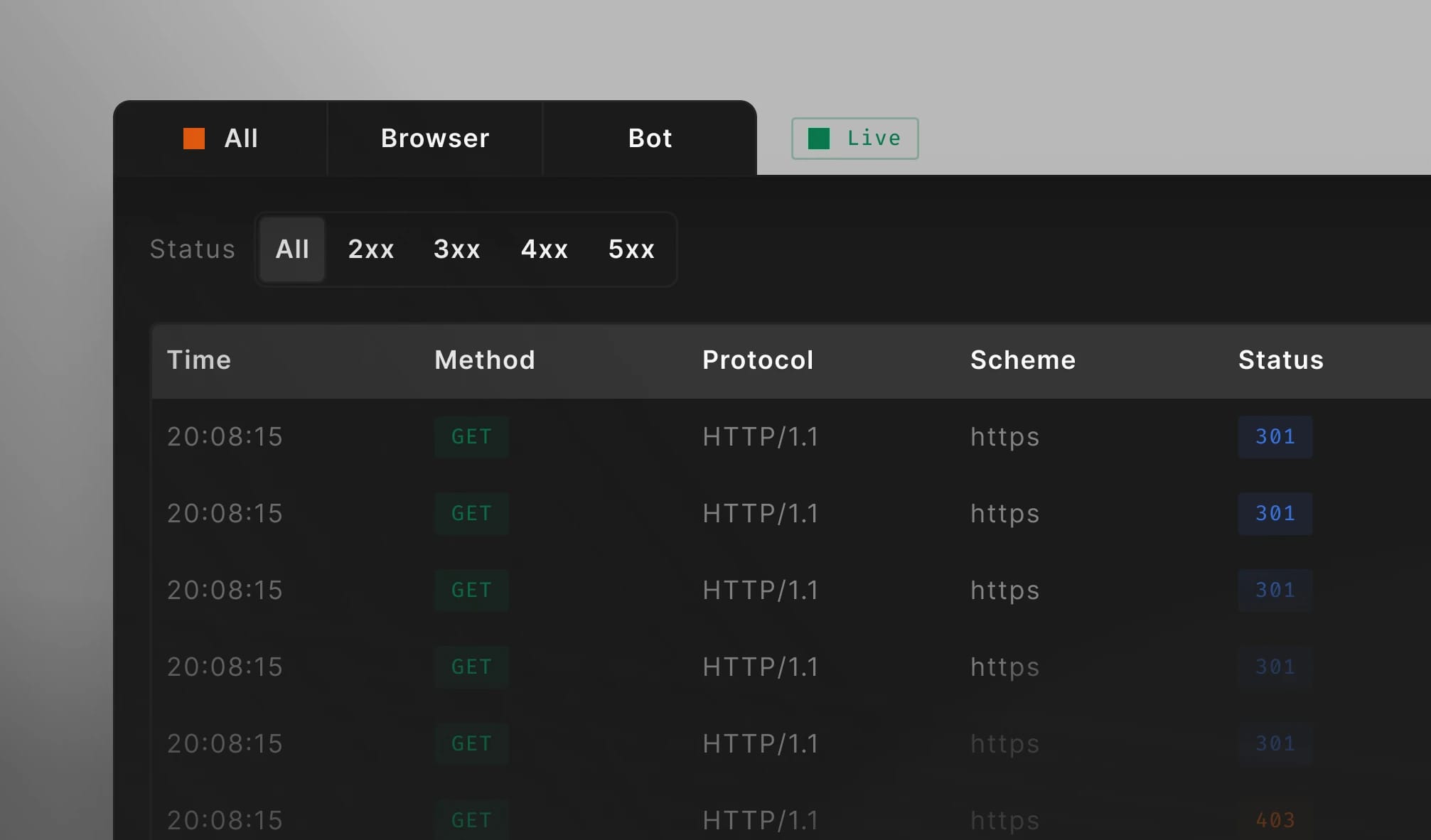
Bot vs Browser
Each request is scored for bot likelihood from 1 to 5 based on user agent, behaviour, and security signals. Filter to All, Browser, or Bot to focus the table and the map on the audience you care about.
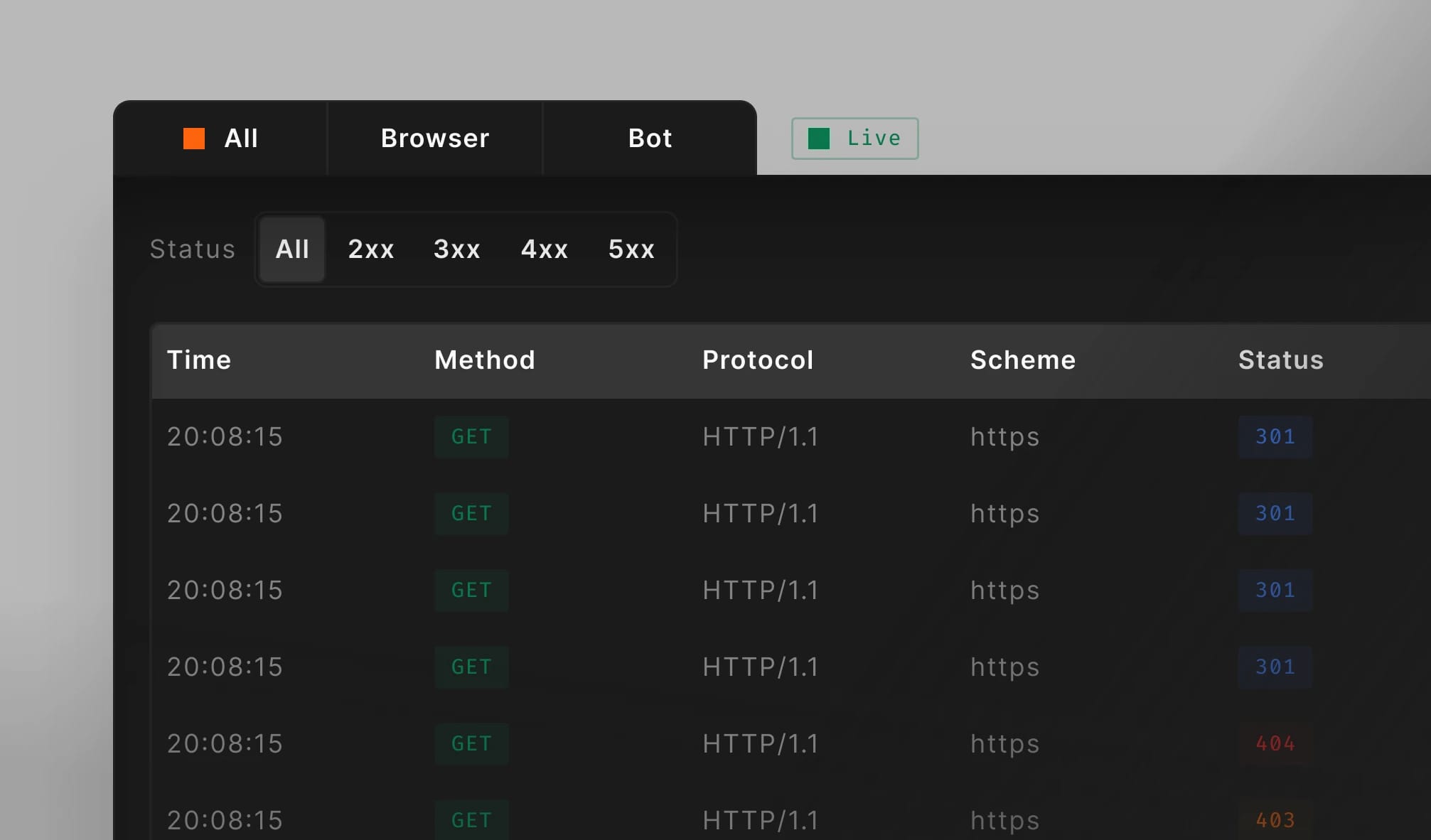
Status Codes and Variants
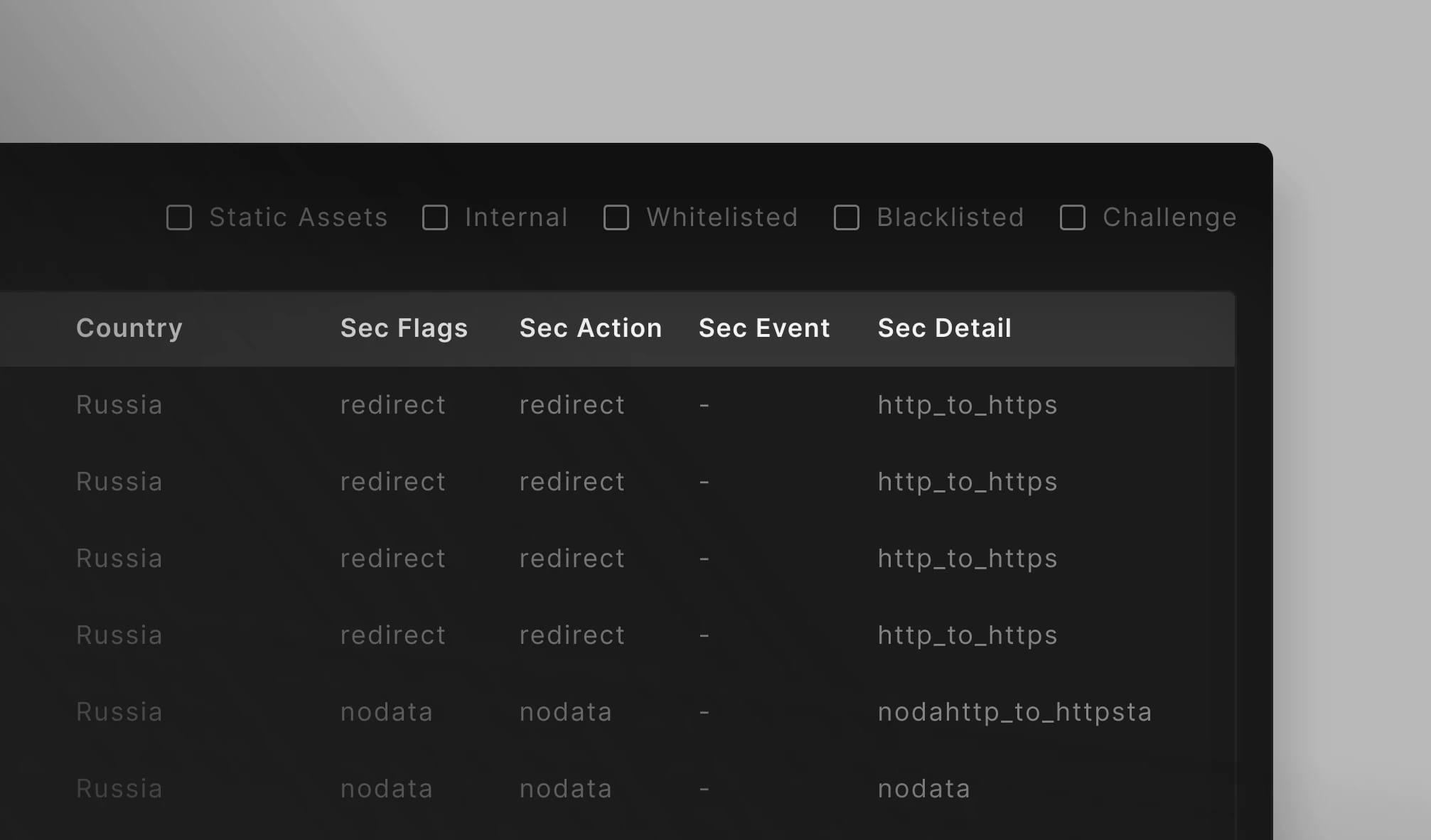
Filter by 2xx, 3xx, 4xx, or 5xx. Toggle visibility of static assets, internal hits, whitelisted, blacklisted, and challenged requests so you see only the slice you came for.
Security Signals
Each request carries any security flags raised on it — the action taken, the event identifier, and the detail. Surface attempted probes and challenged sessions inline with regular traffic.