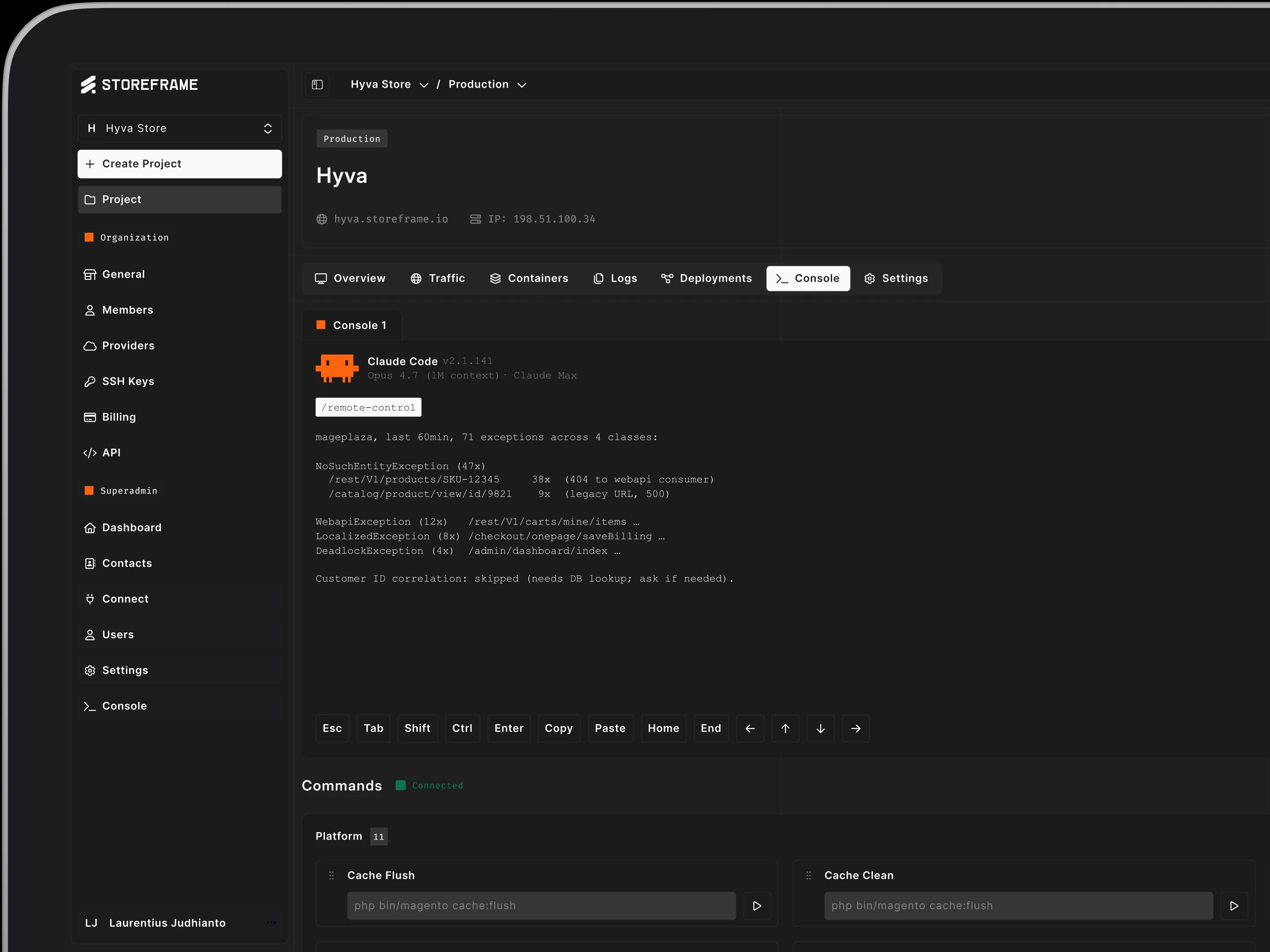
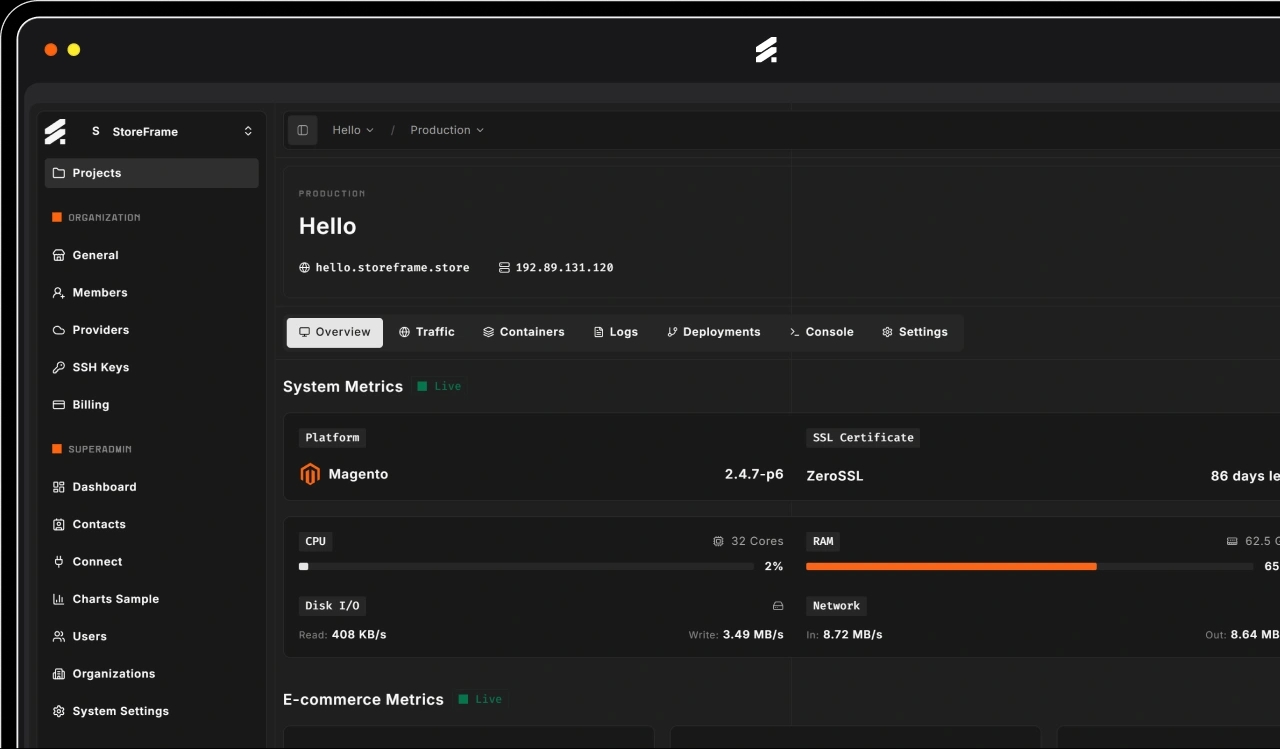
Claude Code Setup
Claude Code Setup
Configure Claude Code for your codebase — guardrails, project skills, workflow hooks, and MCP integrations that match your conventions and security boundaries.
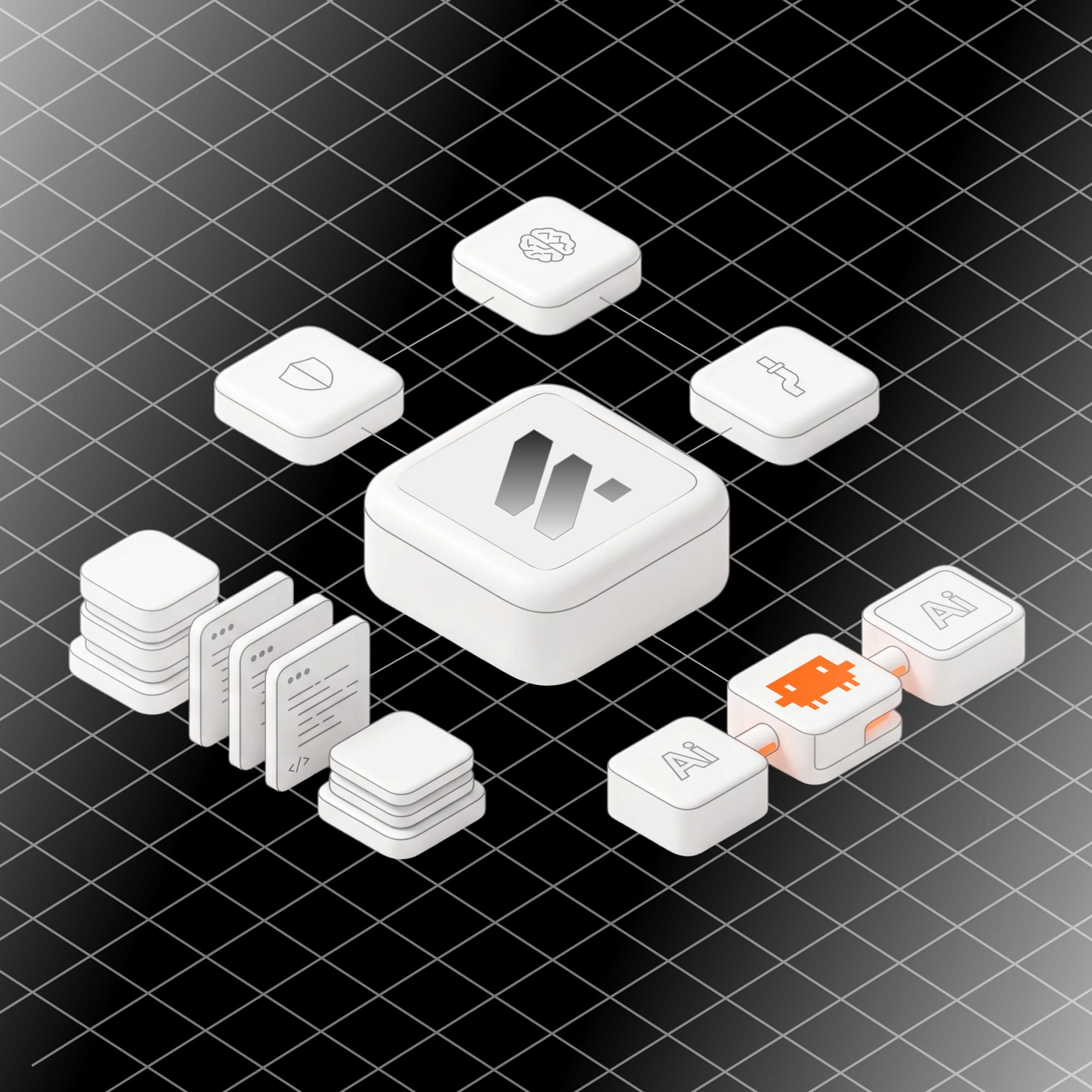
What We Configure
What We Configure
Off the shelf, Claude Code is a generalist. Tuned for your team, it knows your codebase, respects your boundaries, and runs your workflows. Read the Claude Code docs.
Guardrails & Permissions
Allow- and deny-lists for tool calls, hooks that block destructive operations, tenant-boundary enforcement, and audit logging on every action — safety baked into the harness.
Project Skills & Slash Commands
Project-specific skills loaded on demand — your data model, conventions, runbooks. Slash commands for repeated workflows. Memory pre-seeded so context isn't re-explained every conversation.
Hooks & Workflow Automation
SessionStart hooks to load context, PreToolUse hooks to enforce policy, PostToolUse hooks to log and notify. Scheduled background tasks. Slack pings when a run needs review.
MCP Servers & Integrations
Claude Code wired into your internal systems — databases, ticket trackers, observability, CI — through MCP servers we build or vet. Authentication, scoping, and audit at the integration layer.
How We Work
How We Work
We tune Claude Code the way we ship production software — audit first, write decisions down, build, then hand off the configuration. See the connect-Claude-Code quickstart.
Discovery & Audit
Audit repo structure, team workflows, and security or compliance constraints. Sample real conversations to find recurring pain points before writing any rules.
Rules & Conventions
Write the CLAUDE.md, type hierarchies, decision tables, and naming conventions — grounded in your team's standards, version-controlled in your repo, reviewed like code.
Build, Test, Iterate
Implement skills, hooks, slash commands, and MCP integrations. Test against real tasks with the team. Tune until Claude hits the right patterns and the wrong ones get blocked.
Onboarding & Handoff
Hands-on sessions for engineers, leads, and operators. Documented configuration in your repo. Pairing time so the team can extend skills and rules themselves.
Engagement Model
Engagement Model
Three engagement shapes — from a one-off setup to ongoing tuning to embedded advisory — matched to how much AI workflow the team is absorbing.
Starter Setup
Fixed-scope initial configuration: permissions, base CLAUDE.md, three to five custom skills, guardrail and notification hooks, and one MCP integration. Two- to four-week engagement.
Ongoing Tuning
Monthly retainer to evolve the configuration as the codebase and workflows change. Add skills, refine hooks, audit conversations, and onboard new joiners on a defined cadence.
Embedded Advisory
Pair with the team on day-to-day Claude Code usage. Code review of agent-driven PRs, architecture sessions for new AI workflows, and AI-policy guidance for engineering leadership.