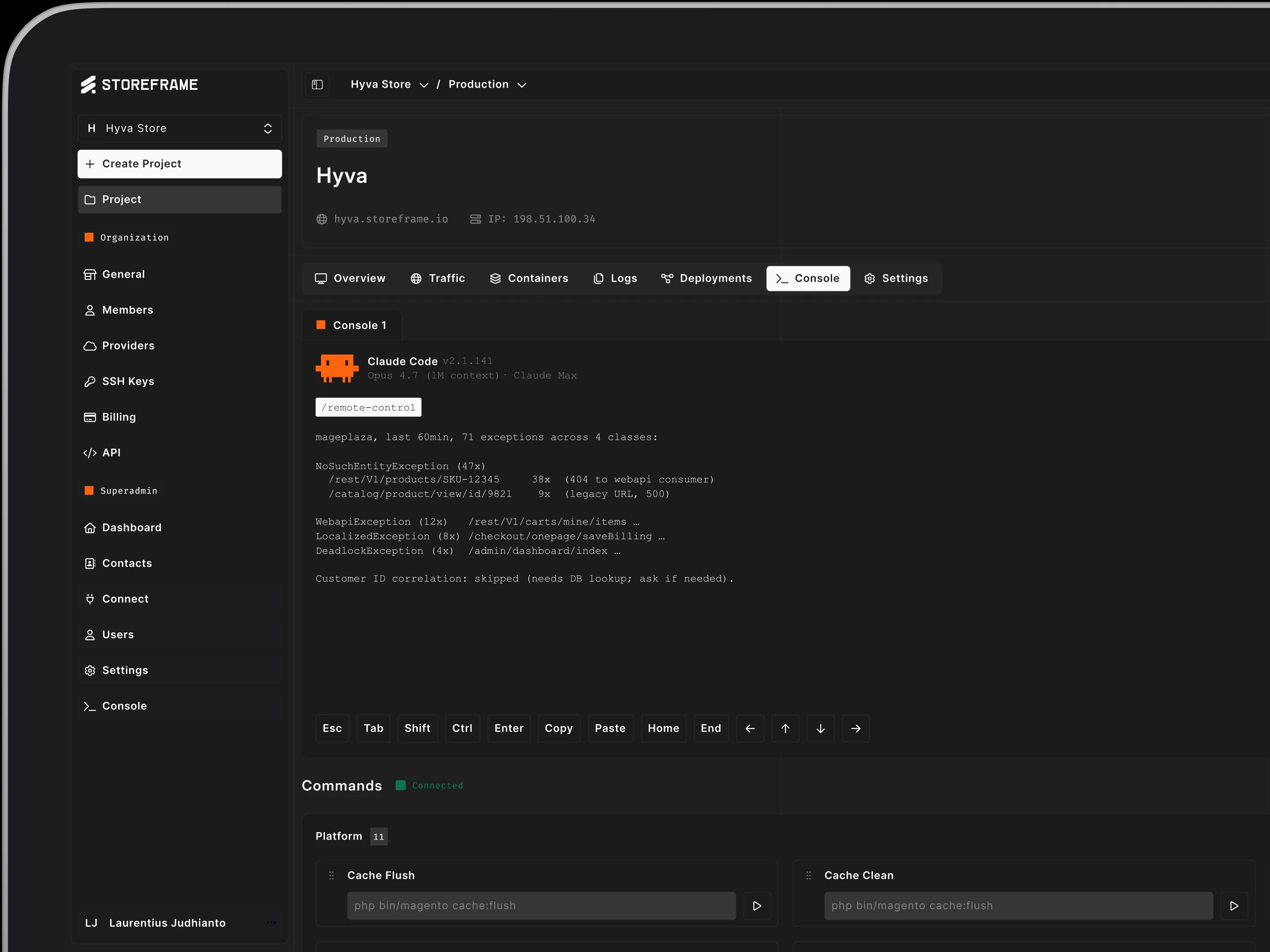
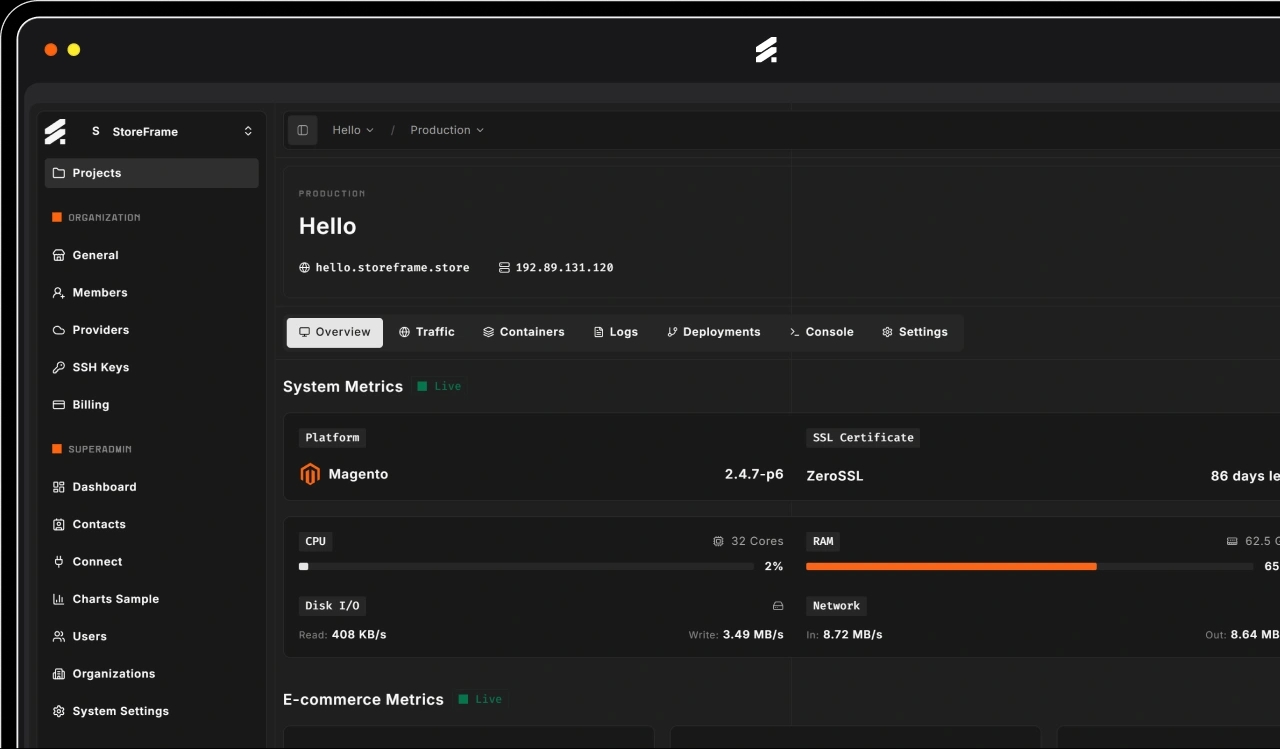
1-Click Deploy for an Up to 50 Shops in Parallel. Now Support Hyva and MageOS too.


One click now stands up to fifty Magento webshops at once — any version, search engine, theme or cloud — on MageOS or vanilla, Hyva included. Here's the repeatable lab behind it.
I am LAZY, OK. Some of my freelance colleague used to call me Lazians for a reason.
A new Magento store used to cost me the better part of a day. Not the build — the boring part. Spin up the VM, wait out the Docker pulls, install Magento, seed the database, wire up TLS, point the DNS, let Ansible grind through the whole stack — and then go back and fix the three things that didn’t quite land. An hour if everything behaved. It rarely all behaved in one shot.
Then I have to repeat this over for my local machine, duh.
Now it’s one click. Around later there’s a live store — Hyva on top, a valid certificate, Varnish warm, three Redis instances, OpenSearch indexed — and I haven’t touched a terminal once. This is the post about how that hour became a button, and the surprisingly long list of things that have to go right in between.
The hour I actually wanted back
Here’s the thing nobody tells you when you start hosting your own Magento: the install is easy. It’s everything around the install that eats your life. Every new store was the same checklist, by hand, in the same order, getting the same small things subtly wrong each time because I’m human and it was the ninth box that week.
And it doesn’t scale. That was the whole problem I set out to solve — going from one developer to running few stores without cloning myself. A checklist you run by hand is just you, again, slower, undocumented and boring each time. So I did the unglamorous work: I turned the checklist into code, one layer at a time, until the human was out of the loop entirely.
First, I 10x it... Then 50x at once!
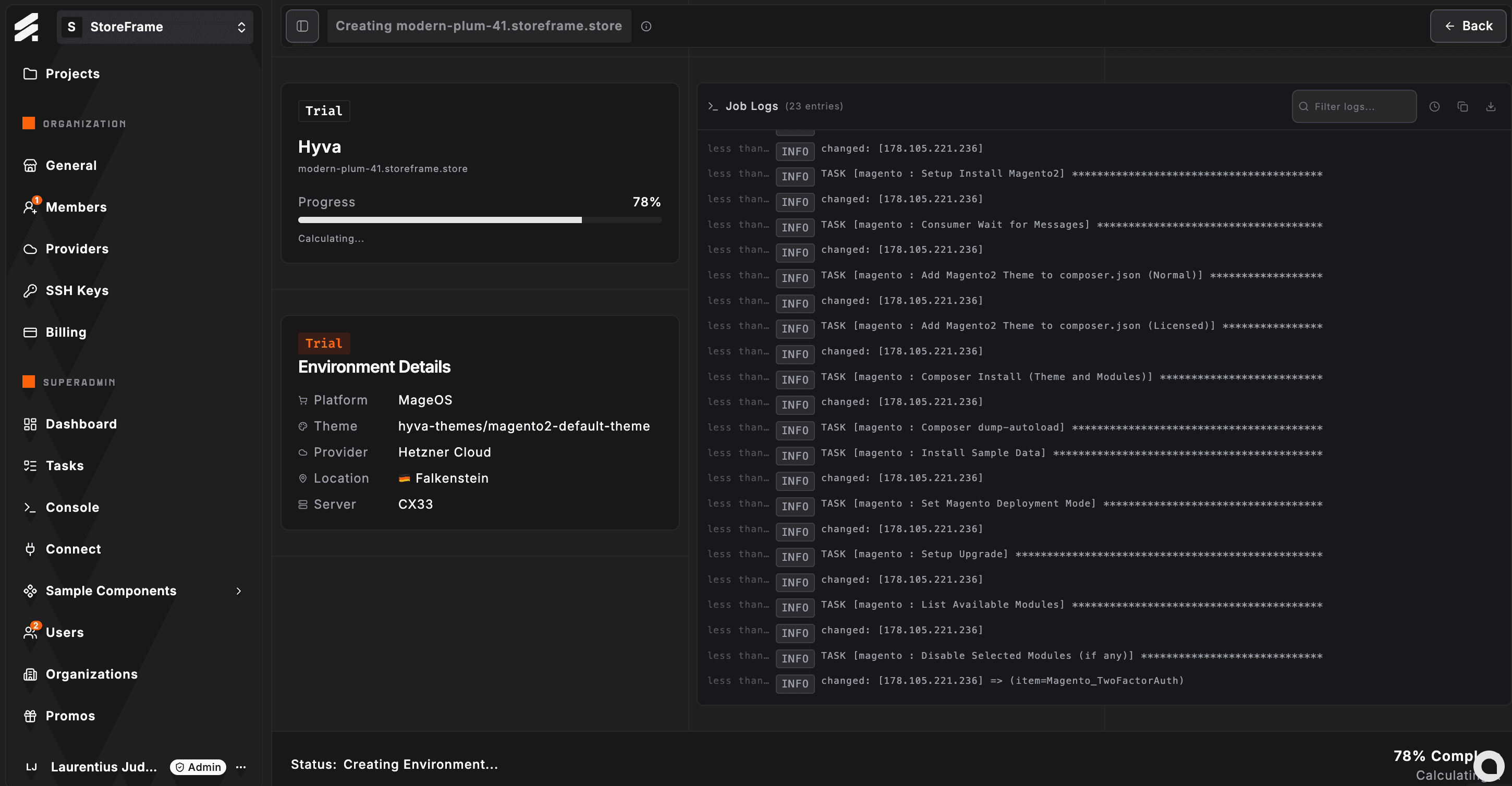
Here’s the thing about turning a checklist into code: once it’s code, the jump from one to many is almost free. One store proves it works. Fifty stores, at the same time, capable (sorry no screenshots for it, you just got to believe me)!
So that’s where I am now — Deploy up to fifty Magento webshops in parallel for 30min, while I go do something else entirely. So I’m not sitting there nursing fifty deploys or hypnotised by a progress bar; I ask for them, it queues and paces them, they come up. Fifty is the current ceiling, and honestly I doubt I’ll ever need more (I lowered it down to max 20 in parallel now).
And every single one comes up identical. That’s the quiet payoff, and it’s the one that actually matters for running real clients: a consistent, repeatable environment for every one of them, the same shape every time. No “works on this box, not that one.”
Variations: The perfect lab, without blowing up local dev
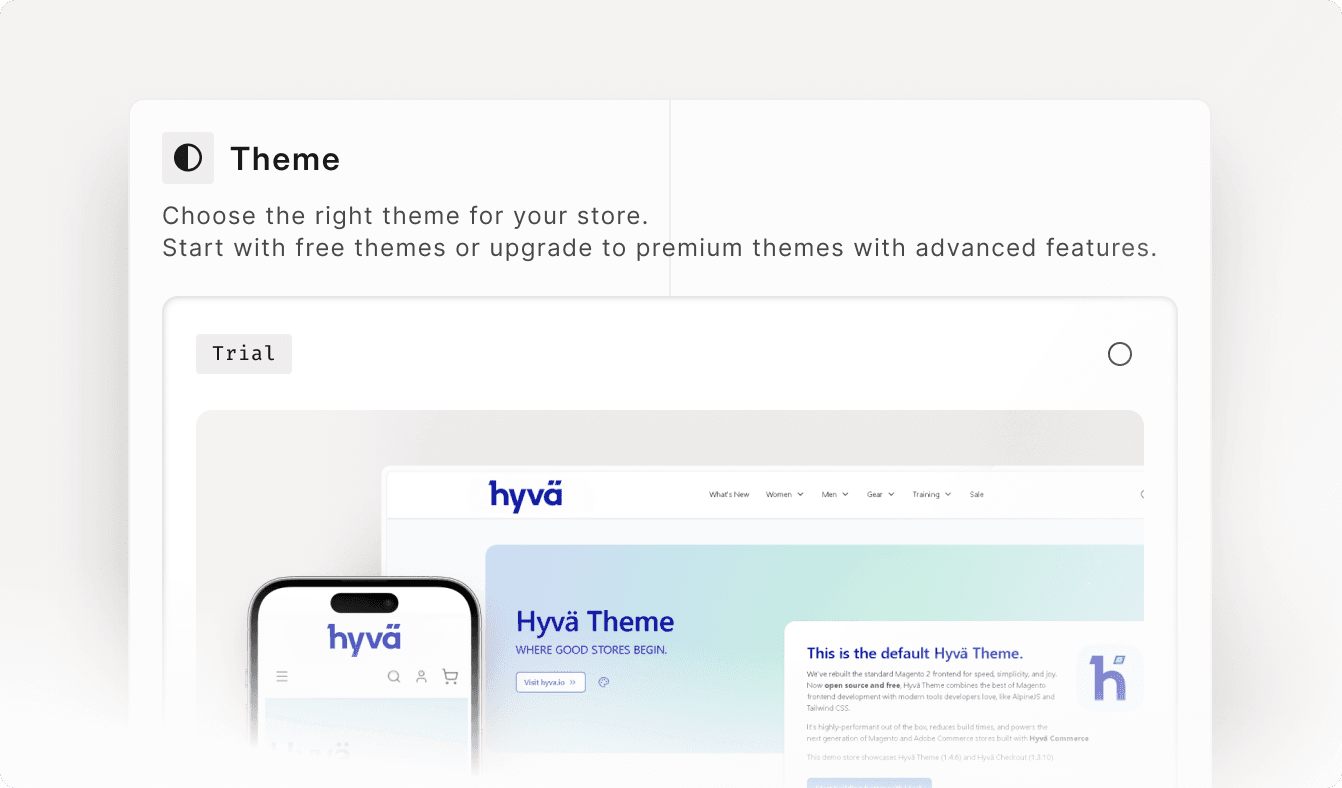
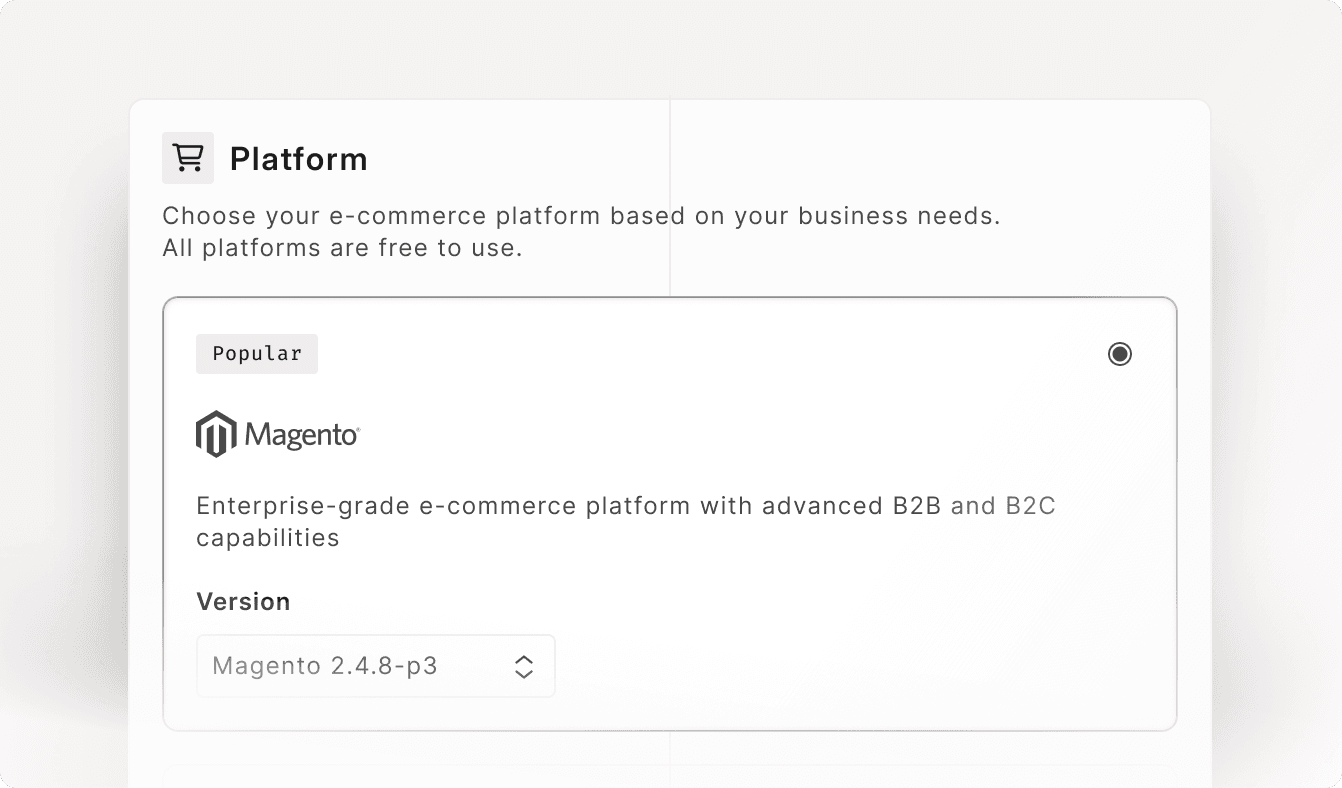
Here’s the part I’m genuinely excited about. They don’t all have to be the same store. “At the same time” also means “in every variation I want to test at once.”
One can be Magento 2.4.8-p5 on OpenSearch running MageOS. The next, 2.4.8-p5 on Elasticsearch, vanilla Magento, with Hyva on top. The next, 2.4.9 on OpenSearch with Breeze. And so on — mix and match the Magento version, the search engine, the cloud it runs on, the frontend theme, even a new bit of container tech I want to kick the tyres on. Whatever combination I’m curious about, I stand it up, poke at it, and throw it away.
That’s the perfect lab — and the best part is what it isn’t. It isn’t my local machine slowly turning into a graveyard of half-installed versions, conflicting services, and “why is port 3306 already taken.” (Remember the “then I have to repeat this on my local machine, duh” from up top? This is the answer to it.) Every experiment is a clean, isolated, genuinely real environment — not a fake sandbox that quietly lies to you, and not your laptop catching fire one Docker image at a time. Run the experiment for real, get a real answer, tear it down.
It’s not just me anymore — and everyone’s on a different machine

Somewhere in here the “I” quietly turned into “we.” There’s a team now — and a team means a small zoo of laptops. One of us is on Windows running WSL. Someone’s on native Ubuntu. Someone’s on an ARM laptop, someone else on plain old x86. Different people, different universes, every single one of them a fresh new opportunity for “well, it works on my machine.”
And these differences are not cosmetic. WSL has its own quirks; native Linux has others. ARM versus x86 is a genuine gulf the moment Docker images or native extensions get involved — I’ve burned afternoons on multi-arch builds that need an x86 host just to assemble, and “it ran fine on my ARM laptop” tells you almost nothing about the x86 server it’s actually going to deploy onto. Multiply that by a team and it becomes a standing tax: everyone quietly debugging their own environment instead of the actual problem in front of them.
The one-click environment quietly deletes all of it. Nobody develops against their laptop’s approximation anymore (some still do, but getting less and less). Whatever you’re typing on — WSL, Ubuntu, ARM, x86 — you work against an identical, real, provisioned environment that matches production exactly, because it’s the same kind of box production runs on. The machine in front of you drops back to being what it always should have been: a keyboard and a browser. The “works on my machine” argument doesn’t get won. It just stops existing — there’s only one machine that matters now, and we all share it.
The boring parts I don’t touch anymore
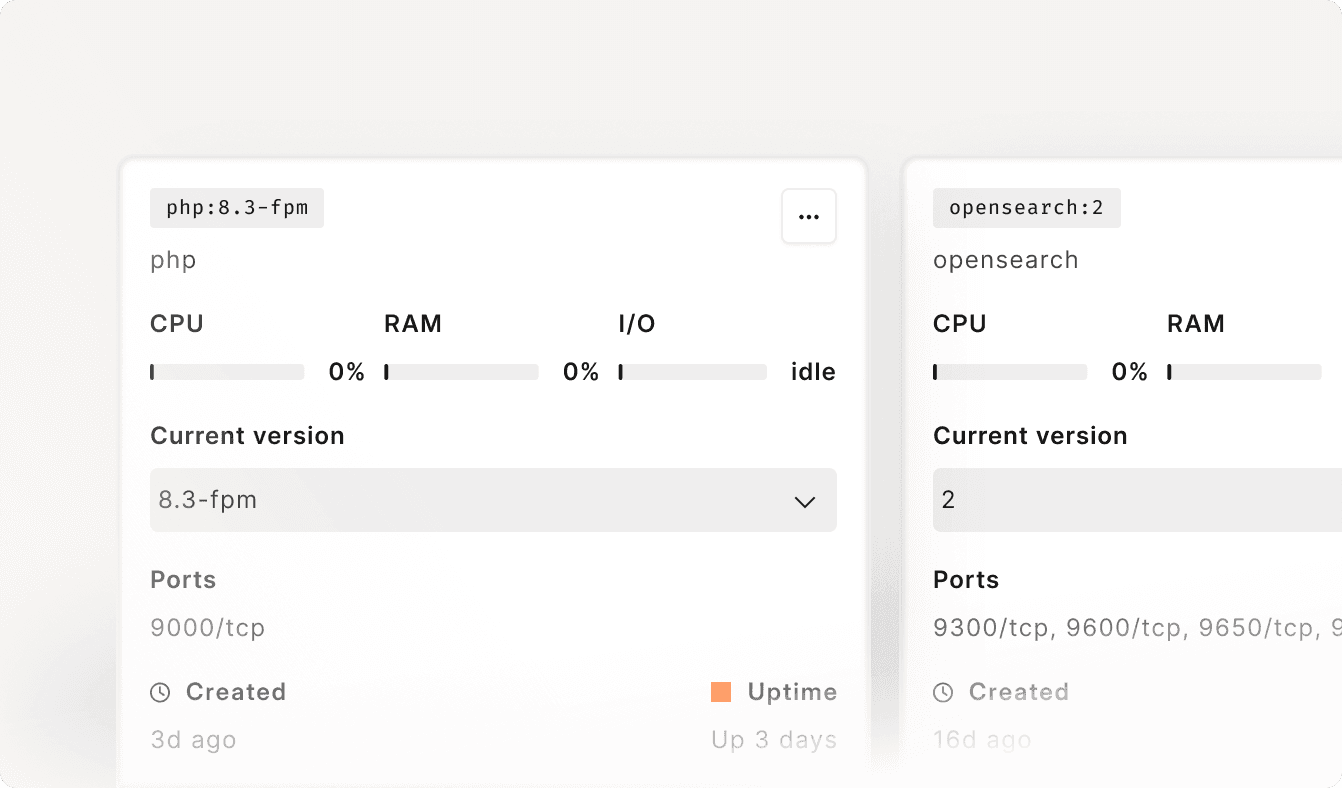
You’ll have noticed I skipped right past a whole pile of yak-shaving up there — the DNS dance, the SSL certificate, the nginx config tweaks, the Varnish wiring. That’s not because they don’t matter. It’s because I genuinely don’t touch them anymore. They’re automated end to end, and the whole point of glossing over them is that I get to.
DNS gets pointed. The nginx config gets generated for the store. The Varnish VCL gets generated and wired in — with the one "Elgentos MageOS" varnish gotcha handled for me, so it doesn’t trip the deploy. And SSL — this one I’m especially smug about. It used to be certbot, with the renewal cron and the occasional 3am “why is the certificate expired” panic. Now it’s OpenResty’s ACME, lua-resty-acme, running right at the edge: certificates issue themselves and renew themselves, automatically, on their own schedule. No certbot, no cron job to forget, no me. The boring, reliability-critical stuff that used to eat an afternoon and occasionally ruin a morning is now just… handled, quietly, forever.
We double down in supporting MageOS
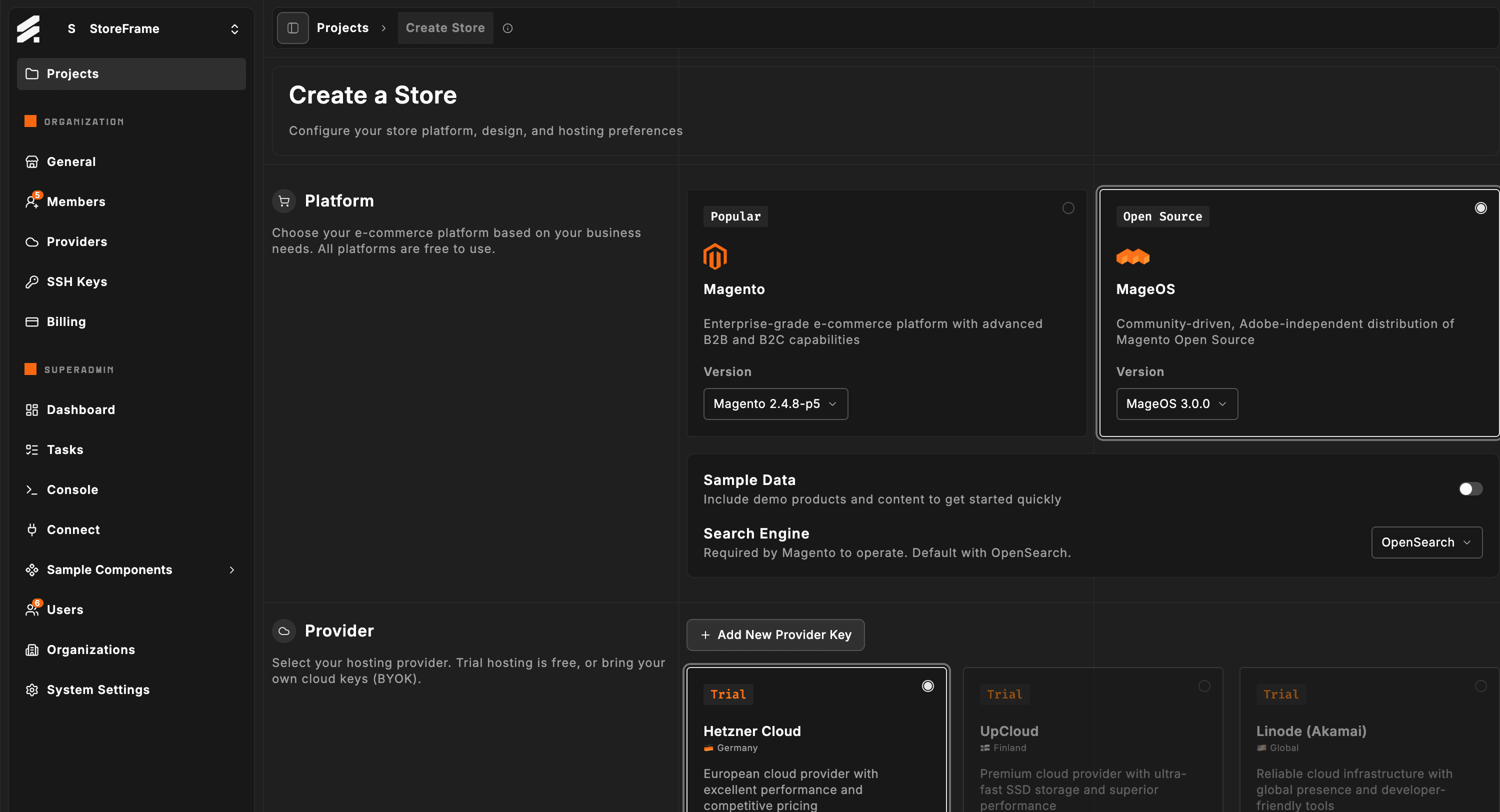
So here’s where this is actually heading. We’re not adding MageOS as just another option on the menu — we’re doubling down on it. We believe in MageOS: the community-driven, genuinely open direction for Magento, steered by the people who actually depend on it. Enough that we’re moving everything toward it. The variations lab is how we get there without gambling — run the MageOS build right next to the vanilla one, identical hardware, compare honestly, and move only when we’re sure. One click, fifty shops, every variation: not a party trick, it’s how you change platforms without betting the business on a hope.
And there’s a bonus on top — one that’s a real win for the whole community: Hyva. The Hyva base theme is free now, no license to buy before you can even start, and we’ve made Hyva run on MageOS too, not just vanilla Magento. Getting that combination clean took some real fighting — the kind that’s exactly why you automate it once and never fight it again. The modern, lean frontend everyone wants, on the open platform we’re betting on, out of the box.
So here’s the part that matters: MageOS, and MageOS with Hyva on top, are now one click away to test. Not a slide, not a “maybe someday” — a real, running store you can poke at this afternoon and then throw away. That’s what turning all of this into a button was always for.
A real, running MageOS store — with or without Hyva — is one click away. Not a demo, not a slide. Spin one up, test it, throw it away.
Deploy MageOS + HyvaA founder, an engineer at heart, an independent consultant who seek alternatives to the mainstream — Currently focused in burning AI tokens to deliver the best agentic e-Commerce experience.
More Articles
More Articles

One decision saved us setup time on every store, kept catalogue pages fast and stopped more bots: a self-hosted, Turnstile-style challenge that installs itself.

More than ten detectors score every request before anything is decided. Here is the scoreboard, what each signal is bad at, and the customers we annoyed on the way.

Every bot says it is Chrome. The handshake says otherwise. How we read JA4 and HTTP/2 fingerprints at the edge, why we needed both, and where they fail.

There are a dozen ways to put a web server in front of Magento. I tried most of them and landed on OpenResty — NGINX with Lua superpowers. Here's the honest case for it, and against the alternatives.

Half of a Magento store's traffic are bots, and today's scrapers solve puzzles and rent home internet. Here is the layered strategy we run, with real numbers.

SessionReaper, PolyShell and StyleSmuggler hit different parts of Magento months apart, from different people. Side by side they stop being three stories and start looking like one reused recipe.