tmux is a Secret Wrapper Anthropic Don't Want You To Know. And I Tell You Why

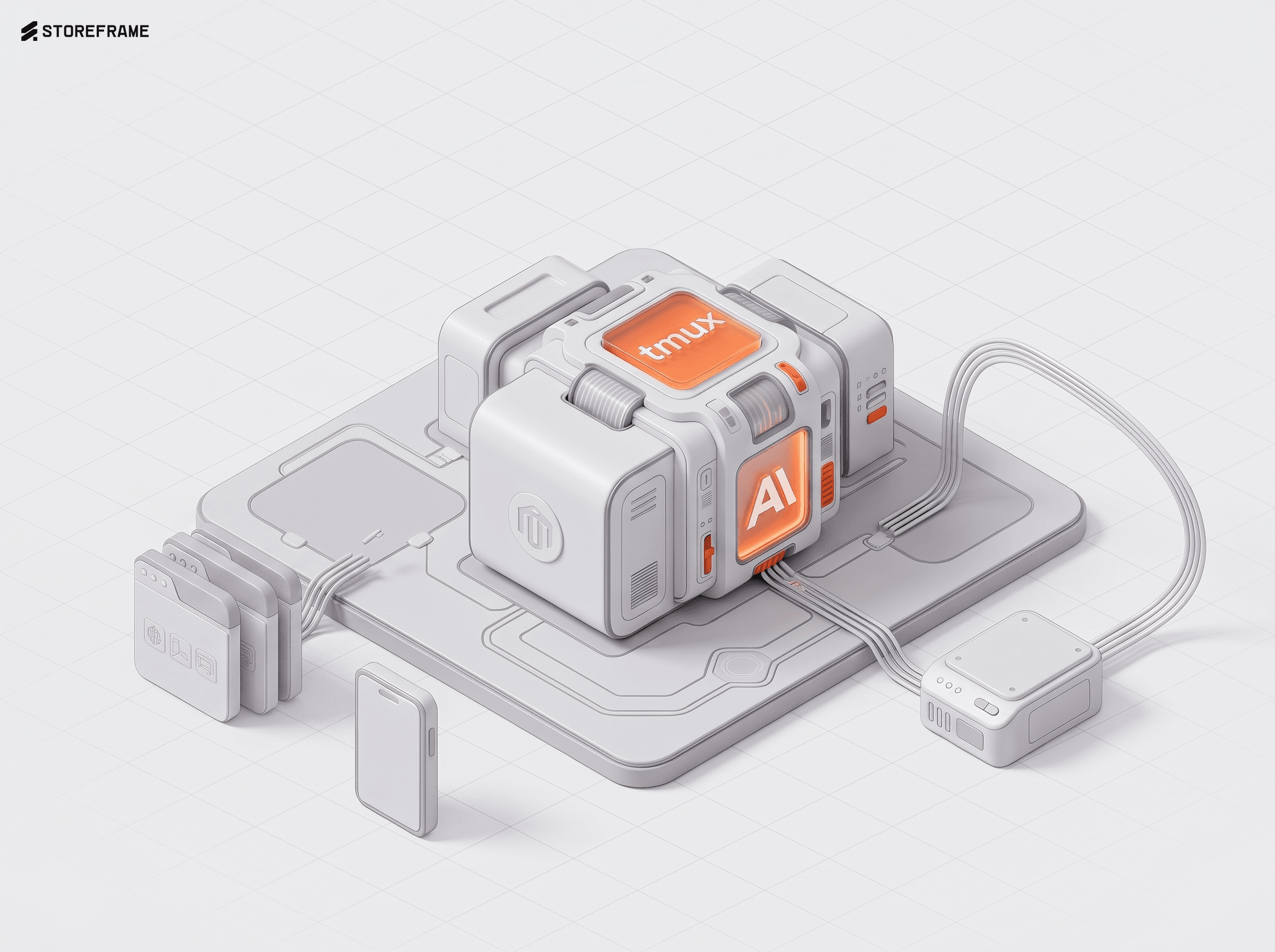
Everyone's hyping Claude Code. Almost nobody mentions the unglamorous, decades-old terminal wrapper that quietly makes it usable in a browser — surviving reboots, dead networks and closed tabs. Here's why tmux is the perfect wrapper for running browser-based Claude Code 24/7.
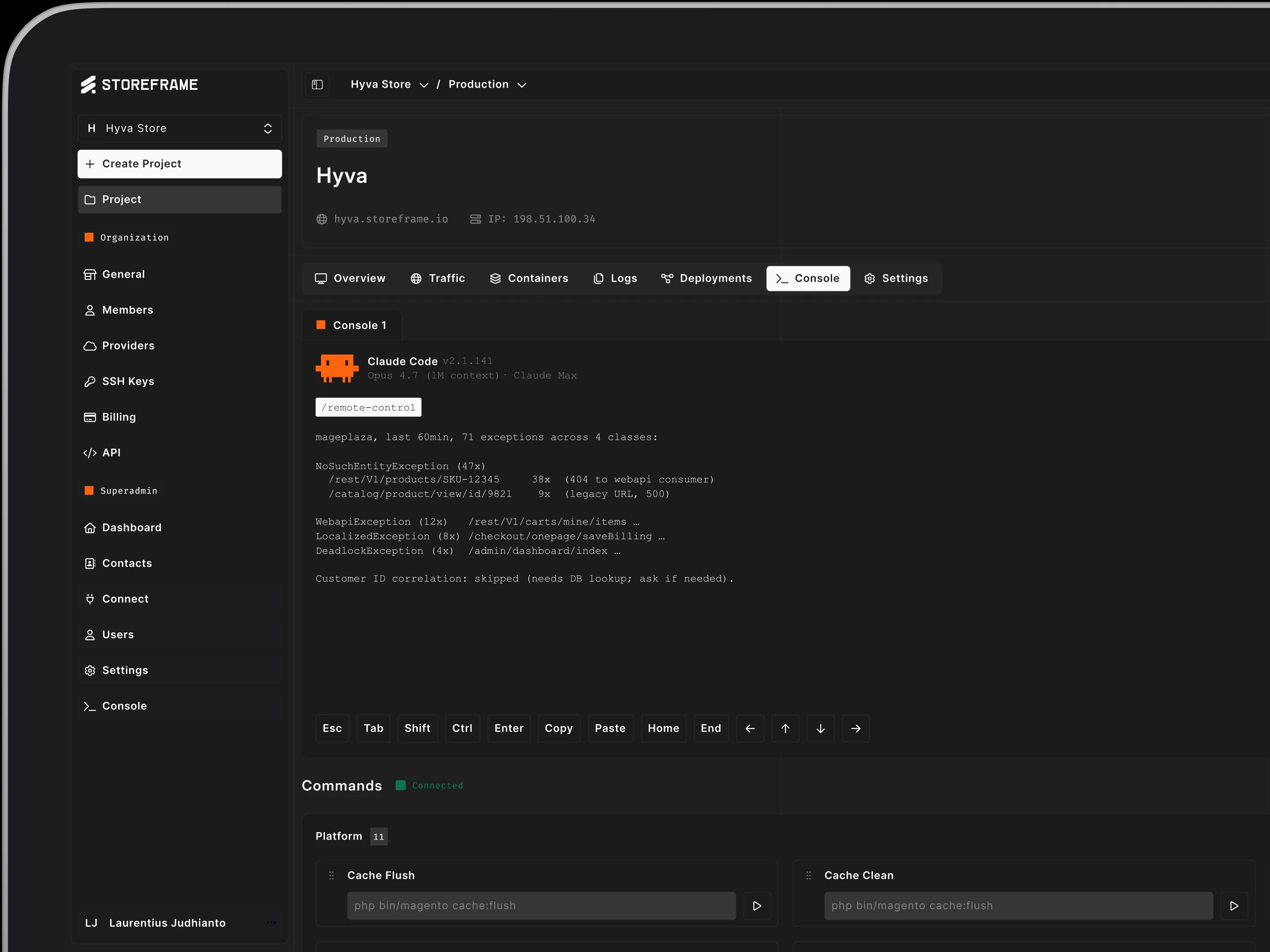
In an earlier post I told you we gave a store owner Claude Code in their production store, and that the developers who heard it reacted with some version of “you did what?”. I focused there on why it worked. This one is the how — the unglamorous plumbing that puts a real terminal, with a real AI in it, inside a browser tab that never has to close, on a server you can reboot without losing your train of thought.
The trick is that none of the individual pieces are clever. They’re all old, boring, and battle-tested — the kind of software that’s been quietly correct for a decade. The clever part is which four you pick, how they stack, and the handful of nasty edge cases you only find once real people start rebooting real machines.
And stick around for the part nobody documents: the handful of powers this combo quietly unlocks — everyone able to watch everyone else's screen, picking a job back up from your phone on the train, and the unglamorous choice that keeps the whole thing legal in the first place.
Four boring pieces
xterm.js is the terminal in the browser. It’s the same component VS Code’s integrated terminal is built on — a real terminal emulator that runs inside the web page, handling the ANSI escape codes, the colours, the cursor positioning, the resize events. To the owner it’s just a terminal that happens to be in a tab. They never need to know it’s a JavaScript widget painting characters; it behaves exactly like the thing they’d get over SSH, because functionally it is.
node-pty is the other end of that pipe. A browser can’t open a real pseudo-terminal on its own — it has no business touching the operating system like that — so node-pty does it server-side. It spawns a genuine PTY, the kind a real shell and a real interactive program expect to be attached to, and streams the bytes both directions. xterm.js draws whatever node-pty feeds it; the keystrokes travel back the other way. The two of them together give you a true terminal, not a text box pretending to be one. That distinction matters enormously the moment you run something interactive — a program that redraws, asks a yes/no question, or shows a progress bar — because a fake terminal falls apart there and a real PTY doesn’t.
Between the browser and node-pty sits a websocket — the persistent, low-latency, two-way channel that carries the bytes. Plain HTTP request-and-response is the wrong shape for a terminal; you need a pipe that stays open and pushes data the instant it appears. So the keystrokes flow browser → websocket → node-pty → the shell, and the output flows all the way back, character by character, fast enough to feel local.
tmux is the part that makes it survive. Without it, the moment the browser tab closes — or the websocket blips, or the laptop sleeps, or the train goes into a tunnel — the session is gone and whatever the agent was doing dies with it. With tmux, the session lives on the server independently of who’s watching. You attach to it, you detach from it, and it keeps running in between, blissfully unaware that nobody’s looking. Close the tab mid-task, open it tomorrow from a different device, and the agent is exactly where you left it, still mid-thought, output and all.
And Claude Code is what’s actually sitting in that persistent terminal. Not a chatbot in a sidebar that can only talk — the real CLI agent, with the ability to read the catalog, inspect a config value, investigate why last night’s order import silently failed, draft a change and apply it, run a command and read its output and decide what to do next. The terminal is just the room. tmux keeps the lights on. Claude is who’s actually in there doing the work.
What this stack actually buys us — the powers nobody puts in a README
So here's the actual case for tmux — and for running real Claude Code on top of it — being the secret weapon: it isn't one trick, it's a whole stack of them, and the ones that matter most are exactly the ones nobody bothers to write down.
One: you can drive it without being the one at the keyboard. tmux send-keys injects keystrokes into a running session from the outside — which is exactly how the hub launches Claude in the first place: it sends the start command, then attaches you to the result. It also means the platform can nudge a session that's already running — drop a command in, line a task up, queue something for the owner to confirm. The terminal isn't only something a human pokes at; it's something the system can operate too, carefully and on purpose.
Two: the session never has to restart. The process Claude is running keeps running whether or not anyone's watching — detached, alive, sitting on the server. Close every tab, walk away for the weekend, come back Monday: it's still there, mid-task, exactly as you left it. No "spin it back up," no lost state, no re-explaining to the agent what you were in the middle of. The work has continuity even when the humans don't.
Three: a bad network can't kill your work, and this is the one that quietly matters most. A normal browser terminal dies the instant the connection wobbles — and connections wobble: trains, tunnels, hotel wifi, a phone dropping off 5G into a dead spot. With tmux the session lives on the server, completely indifferent to your signal. If your connection drops you didn't lose anything, you just got detached; reconnect and you're reattached to the exact same live session. You can genuinely kick off a deploy on wifi, walk out the door, and check on it from your phone on mobile data like nothing happened.
Four: — and this is the one I didn't fully appreciate until I watched people use it: everyone can see everyone. Multiple people can attach to the same session at once and watch the same live screen together, in real time — or list every session on the box and hop between them to see what each person is working on. The owner, the developer, us — we can all visit each other's tabs, watch a task as it actually runs, and understand the problem first-hand instead of having it described to us third-hand. No "can you screenshot that," no "what did you run again," no Loom recorded after the fact. It's a shared room. When a store owner is stuck, we don't ask them to explain it — we open their tab and look. That one capability has resolved more problems, faster, than any ticket system I've ever used.
Five: you can pick the whole thing up from your phone (combined with Claude Remote). Because the session is alive and sitting on the server, Claude Code's own Remote Control — /remote-control, or /rc for short — lets you reattach to it from the official Claude mobile app or claude.ai/code, full conversation history carried over, with Claude still running on the box the entire time and nothing shipped off to some cloud. tmux keeps the session breathing; Remote Control is the door you walk back through from a train platform. Kick off a job at your desk, check on it from your phone in the lunch queue — same session, no handoff, no "where was I."
And one last thing that isn't a tmux trick at all, but belongs here because it's why the whole setup is even allowed to exist: we run real Claude Code, not a wrapper around it. No reverse-engineered API, no proxy quietly reselling tokens, no shared keys — the actual official CLI, on the customer's own Claude subscription. That keeps everyone squarely inside Anthropic's terms of service, and it means the good stuff — Remote Control, /rename, /resume, and whatever Anthropic ships next — just works the day it lands, because we didn't fork the thing into a corner. Wrapping Claude would have been easier to brand and a permanent liability. Using it exactly as intended is boring, compliant, and quietly future-proof.
Where it runs matters more than how
Here’s the design decision that everything else hangs off, and it’s the one I’d defend hardest: the terminal renders in our hub, but the session itself does not run on our infrastructure. When you open a console, the hub SSHes into the customer’s own VM and starts — or re-attaches to — a tmux session right there, on their box, in their store’s working directory, talking to their own Claude subscription. We provide the window. They provide the room, the server, and the agent’s account.
That’s not an accident of plumbing. It’s the entire safety model expressed as architecture. The agent’s blast radius stops at that one customer’s store and reaches nobody else’s. There is no shared environment for a prompt injection to leak across, no central box where one customer’s session can see another’s, no single tenant whose mistake becomes everyone’s incident. The hub is a sheet of glass. The work — and the risk — happens entirely on the customer’s side of it. Centralising the terminals would have been easier to build and far worse to live with.
It also means Claude runs with the customer’s own configuration. Claude Code keeps its state in a config directory in the home folder — on these VMs the app user’s home is /var/www, so it all lives under /var/www/.claude/. That’s where settings.json sits, where the project’s own skills and commands live, and — the part that matters in a minute — where every conversation is written to disk as a transcript, one .jsonl file per session under /var/www/.claude/projects/<store>/. The agent isn’t a stateless box we point at the store; it’s configured per store, on the store, with its memory on the store’s own disk.
Concretely, the bootstrap on the customer VM is about as humble as it gets — check for an existing session, create one if there isn’t, attach:
# what the hub runs over SSH on the customer's own VM
tmux has-session -t "$NAME" 2>/dev/null \
  || tmux new-session -d -s "$NAME" -c "$WORKDIR" \
       "claude --session-id $UUID --dangerously-skip-permissions"
exec tmux attach -t "$NAME"
The reboot problem (and the thing I learned the hard way)
tmux lives in memory. Which means the first time a customer VM rebooted, every console session evaporated at once — the tmux server is gone, and tmux deliberately doesn’t persist its session names to disk, so there isn’t even a record of what was lost. That’s correct, expected Unix behaviour. It is also cold comfort when an owner reopens their console after a routine reboot and their half-finished work is simply… not there, with no breadcrumb back to it.
Except there is a breadcrumb, and it’s exactly the config directory from a moment ago. tmux forgets, but Claude doesn’t — every session it ran left its transcript .jsonl sitting in /var/www/.claude/projects/<store>/. So the recovery story is built on that on-disk memory. A small snapshot job records each live session every few minutes — its tmux name, its working directory, and the one piece that actually matters: the Claude session id. A restore job, wired to run on boot, recreates each of those sessions automatically and points Claude back at the right transcript with claude --resume <uuid>.
The session id is the whole catch. You can only resume a Claude conversation if you know its id, and the agent doesn’t conveniently hand you one at runtime — it doesn’t hold the transcript file open, doesn’t expose an id in its process arguments, nothing you can scrape reliably. So the fix was to stop scraping and start pinning: launch every session with an id I generate myself, claude --session-id <uuid>, and now the snapshot can read it straight off the process arguments and the restore can resume it deterministically. A reboot now costs a few seconds of reconnect instead of an afternoon of lost context.
Naming and resuming: the small commands that make it usable
Two of Claude Code’s own slash commands quietly do a lot of the heavy lifting here, and they’re worth calling out because they’re the difference between “a pile of terminals” and “a workspace you can actually find your way around.”
The first is /rename. When you’ve got several consoles open against a store, “session 1, session 2, session 3” is useless — you want “invoice-pdf-fix” and “friday-promo-banner.” /rename <name> gives the current Claude session a meaningful name, and called with no argument it’ll generate one from the conversation so far. That name is what makes the hub’s session list readable: you reopen the store next week and you can see at a glance which conversation was which, instead of playing memory roulette.
The second is /resume. Inside a session, /resume opens a picker of past conversations — or /resume <id-or-name> jumps straight to one — which is the in-terminal twin of the claude --resume flag the restore job uses from outside. Same idea, two doors: the boot-time restore resumes you automatically, and the human can resume anything by hand from inside any console. Between /rename for naming and /resume for returning, a store’s whole history of agent conversations stays navigable instead of becoming a graveyard of anonymous tabs.
Why 24/7 is the actual point
Put it together and you get something that doesn’t exist in a normal dev setup: an agent that keeps a single thought going across days, on the store’s own server, reachable from any browser with no SSH keys to manage, no VPN to connect, no “let me ask a developer first.” It works overnight while the owner sleeps — a long investigation, a batch of changes, a slow reindex — and it’s exactly where they left it in the morning, under a name they recognise, one /resume away. The owner can leave the tab open during a call; we attach to the very same session from our side, and now we’re both staring at one live thing instead of a ticket describing it and a Loom approximating it.
And none of it — not one piece — is new technology. xterm.js, node-pty, tmux, SSH, websockets: all years old, all rock solid, all things you could have wired together a decade ago. The newness is entirely in what now sits at the far end of the pipe, and the small commands — /rename, /resume — that keep its memory tidy. The plumbing was always there. It was just waiting for something worth piping through it.
The multiplayer part
Here’s the handoff that falls out of all this for free, and it’s the one I’d point to if you only remember one thing about the whole setup. The owner opens a console and starts chatting — describes what’s broken, kicks something off. A developer attaches to that exact session, picks it up where the owner left it, and does the fiddly part. Then the owner comes back to the same tab and validates that the thing actually finished — not by reading a status update someone typed, but by looking at the same live screen the developer was just driving. Three people, one session, nothing lost in the relay. Nobody re-explains anything to anybody.
It only gets better the more spread out your team is. Different people, different timezones, one session left quietly running. One team kicks off a long process and leaves the tab open; someone in the next timezone over attaches and continues from exactly where it was left, with no re-briefing. This is gold on the slow, critical, can’t-babysit-it-the-whole-way jobs — a deployment that starts at some ungodly early hour, where the early crew handles the hairy part and the 9am team attaches to the very same session to watch it land and make sure it stays stable.
They inherit the whole context — every command, every decision, every line of output — instead of a handover doc that went stale the moment it was written. The work moves between people; the session never moves at all.
In the end, it was tmux all along
Strip the story back and one piece is doing the quiet, load-bearing work. xterm.js is just a screen. The websocket is just a wire. Claude Code is the thing with the ideas. But none of them survive a closed tab, a dropped train tunnel, a rebooted VM, or a second person wanting to look — and tmux does. It’s the detached session sitting in memory that doesn’t care whether anyone happens to be watching it right now, and that single property is what turns a fragile browser terminal into something you can leave, lose, hand off, and walk back into a day later under a name you recognise.
So when people ask what the trick is, the honest answer is almost disappointing: a terminal multiplexer from the 1990s that sysadmins have used to keep IRC running through SSH drops for thirty years. Everything that feels like magic — the overnight run that’s still there in the morning, the pickup from your phone, three people in one live session, the deploy that survives a shift change — is downstream of that one boring decision to never tie the work to the tab. That’s the secret weapon. It was never new. It was just never pointed at something this worth keeping alive.
Curious what an always-on AI operator on your own store actually feels like? That’s the experience StoreFrame is built around.
See how StoreFrame worksA founder, an engineer at heart, an independent consultant who seek alternatives to the mainstream — Currently focused in burning AI tokens to deliver the best agentic e-Commerce experience.
More Articles
More Articles

One decision saved us setup time on every store, kept catalogue pages fast and stopped more bots: a self-hosted, Turnstile-style challenge that installs itself.
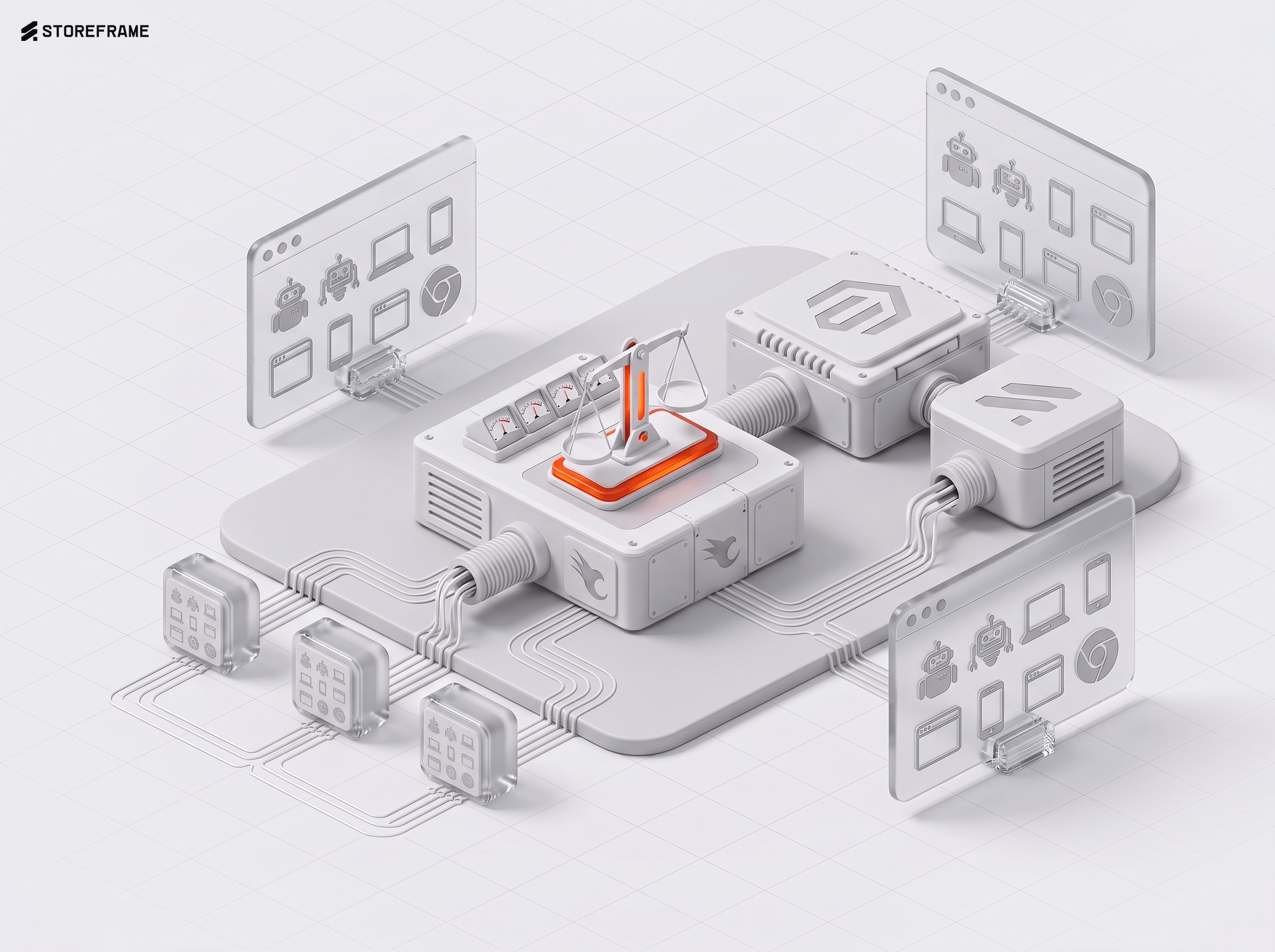
More than ten detectors score every request before anything is decided. Here is the scoreboard, what each signal is bad at, and the customers we annoyed on the way.
Every bot says it is Chrome. The handshake says otherwise. How we read JA4 and HTTP/2 fingerprints at the edge, why we needed both, and where they fail.
There are a dozen ways to put a web server in front of Magento. I tried most of them and landed on OpenResty — NGINX with Lua superpowers. Here's the honest case for it, and against the alternatives.
Half of a Magento store's traffic are bots, and today's scrapers solve puzzles and rent home internet. Here is the layered strategy we run, with real numbers.
SessionReaper, PolyShell and StyleSmuggler hit different parts of Magento months apart, from different people. Side by side they stop being three stories and start looking like one reused recipe.